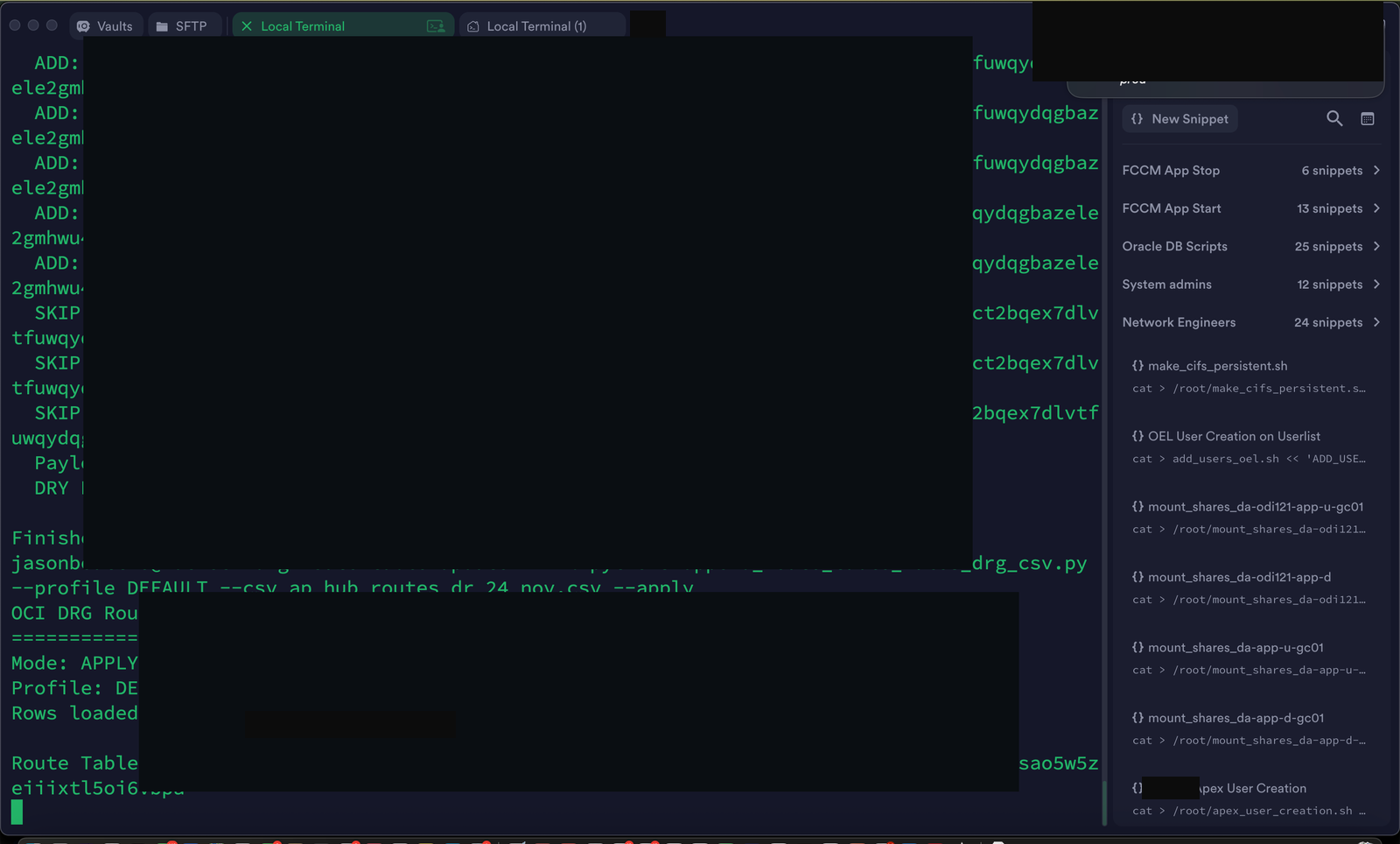
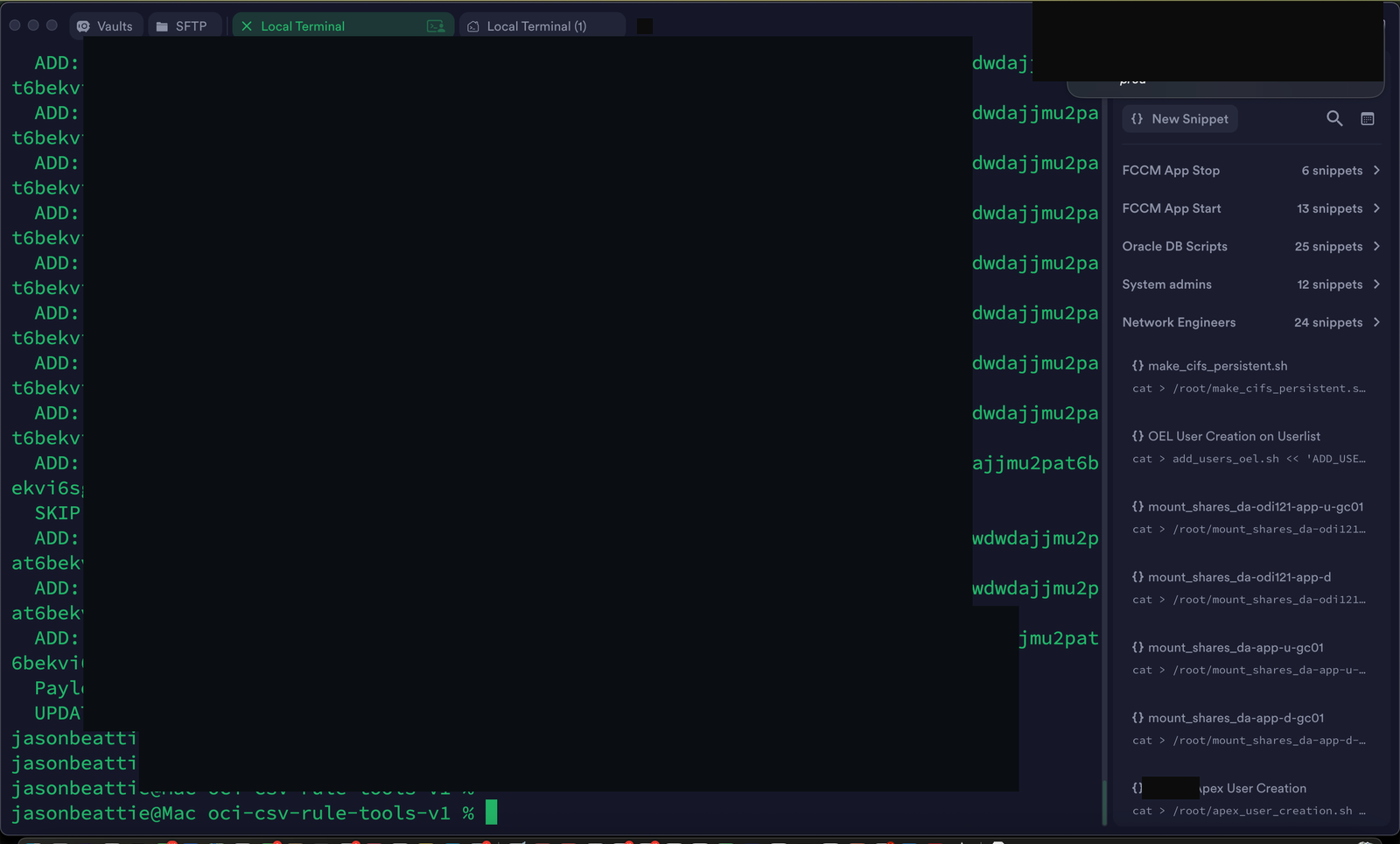
I manage OCI security lists with a CSV and a small Python helper so that repeatable firewall changes stay reviewable. This post walks through append_security_list_rules_csv.py from oci-csv-rule-tools-demo.zip, using the demo template security_list_rules.csv.
This is Part 1 of 3. Next: Batch-upload routes to an OCI VCN route table.
Screenshots below are from the original run on my Mac. IPs, descriptions, OCIDs and AP labels are redacted for publication. Desktop captures are cropped to Termius or Excel (Mac dock and background apps removed).
Prerequisites
- OCI CLI configured with a
DEMOprofile that can read and update the target security list - Python 3 with the OCI SDK (
oci) - The demo ZIP unpacked locally
- The OCID of the security list you intend to change, and a note of which subnets currently use that list
Which subnets use the security list
In the Console, open the security list and check Associated Resources, or inspect each subnet and confirm the security lists attached to it. Every subnet that references the list inherits the ingress and egress rules you append. Confirm you are editing the list those subnets actually use before you run --apply.
How the CSV fields behave
The demo header is:
environment,security_list_ocid,direction,cidr,protocol,is_stateless,tcp_dest_port_min,tcp_dest_port_max,udp_dest_port_min,udp_dest_port_max,icmp_type,icmp_code,descriptiondirectionisingressoregress. For ingress,cidris the source. For egress,cidris the destination.protocolaccepts values the script maps into OCI rules. Use6for TCP,17for UDP,1for ICMP, orallwhen you intentionally allow every protocol.is_statelessistrueorfalse. Stateful rules (the usual default) track connection state so return traffic is implied. Stateless rules do not, so you must allow the return path explicitly when you need it.- TCP destination ports use
tcp_dest_port_minandtcp_dest_port_max. Leave them blank for non-TCP rows. - UDP destination ports use the optional
udp_*fields. ICMP uses optionalicmp_typeandicmp_code. environmentis informational only. It helps you organise rows in a workbook. The script does not select a tenancy from that column.- Leave
descriptionblank in the published examples.
1. Prepare a narrow TCP example
Copy the demo CSV and replace placeholders only. Keep production names and OCIDs out of shared copies.
environment,security_list_ocid,direction,cidr,protocol,is_stateless,tcp_dest_port_min,tcp_dest_port_max,udp_dest_port_min,udp_dest_port_max,icmp_type,icmp_code,description
DEMO,<SECURITY_LIST_OCID>,ingress,<SOURCE_CIDR>,6,false,22,22,,,,,
DEMO,<SECURITY_LIST_OCID>,egress,<DESTINATION_CIDR>,6,false,443,443,,,,,
That pair opens stateful TCP/22 from a named source CIDR on ingress, and stateful TCP/443 to a named destination CIDR on egress. Add UDP or ICMP rows only when you need those protocols. Empty optional fields stay empty.
2. Preview without changing OCI
From the unpacked demo directory:
python3 append_security_list_rules_csv.py --profile DEMO --csv security_list_rules.csvExpected shape of the output:
OCI CSV Security List Rule Appender
Mode: DRY RUN
Rows: 2
Security List: <SECURITY_LIST_OCID>
Backup written: backups/security_list_<suffix>.json
ADD ingress: <SOURCE_CIDR> protocol 6
ADD egress: <DESTINATION_CIDR> protocol 6
Ingress payload: /tmp/oci-ingress-<id>.json
Egress payload: /tmp/oci-egress-<id>.json
DRY RUN - no changes made.
A dry run still contacts OCI to read the security list. It can write a local backup and the ingress and egress payloads. Review those files against the backup before you apply. Only add --apply after that review.
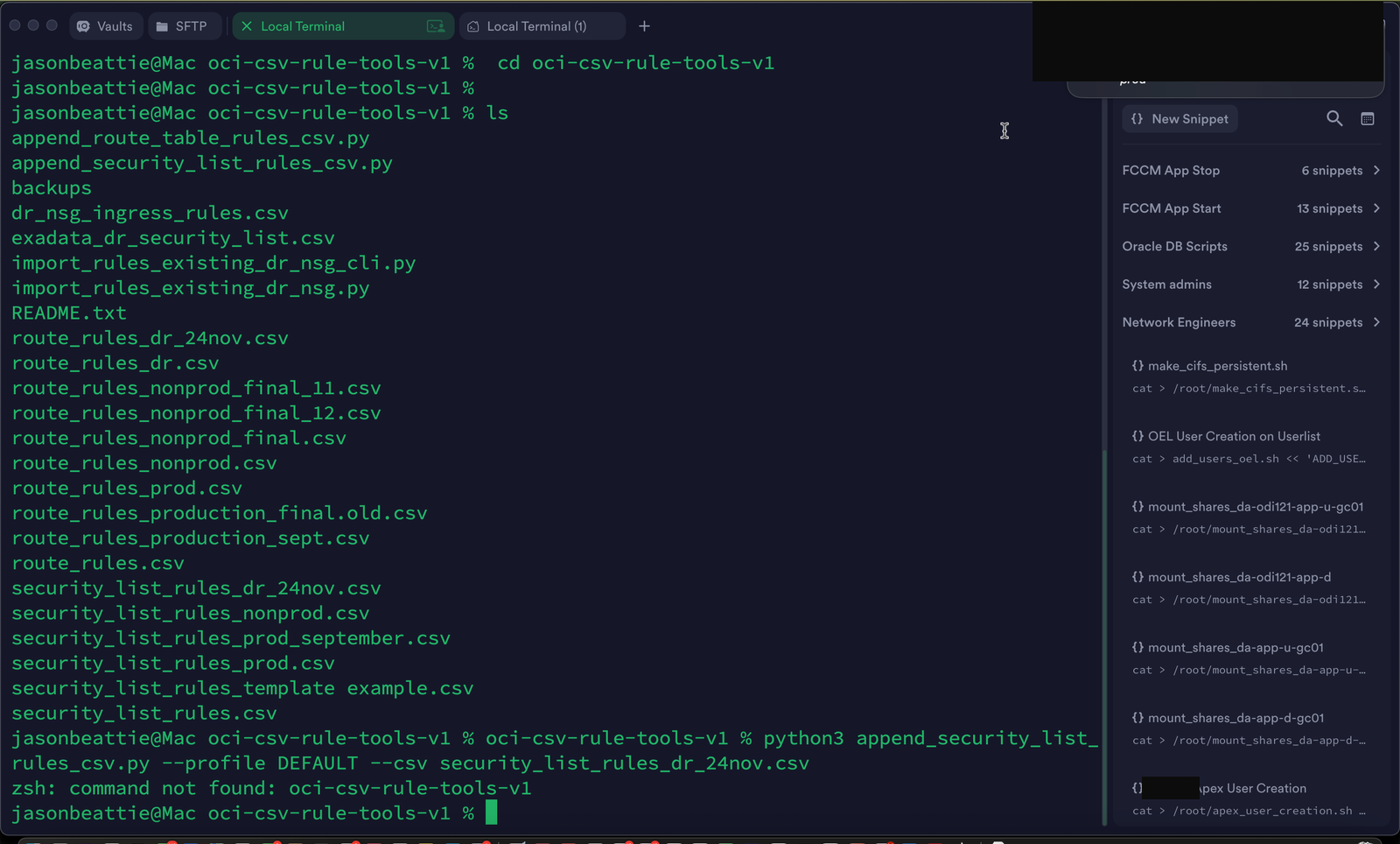
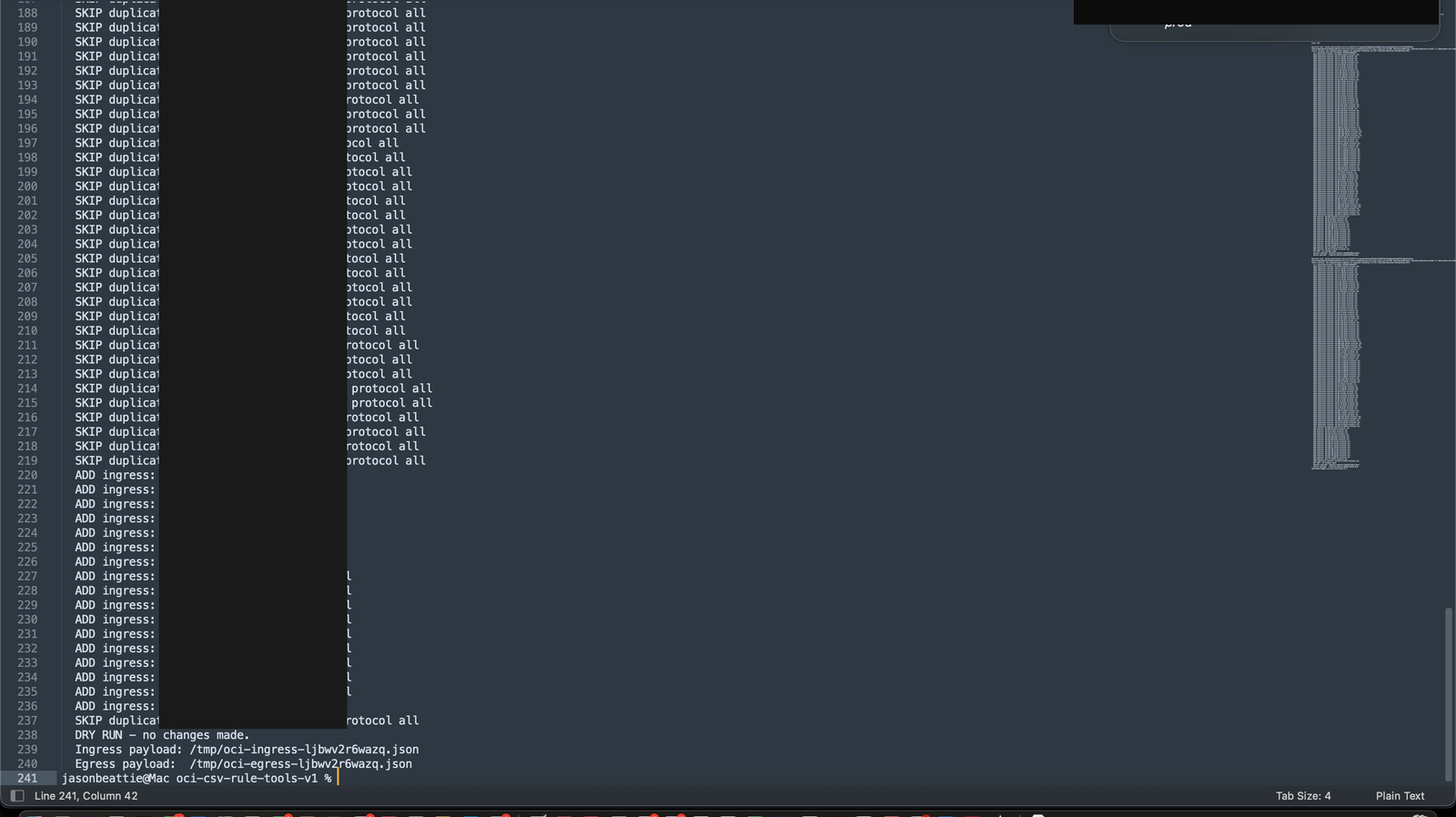
If a rule already exists, the script reports a skip instead of adding it again:

Redacted crop from the original run: duplicate ingress rows are skipped during preview.
3. Apply the same command
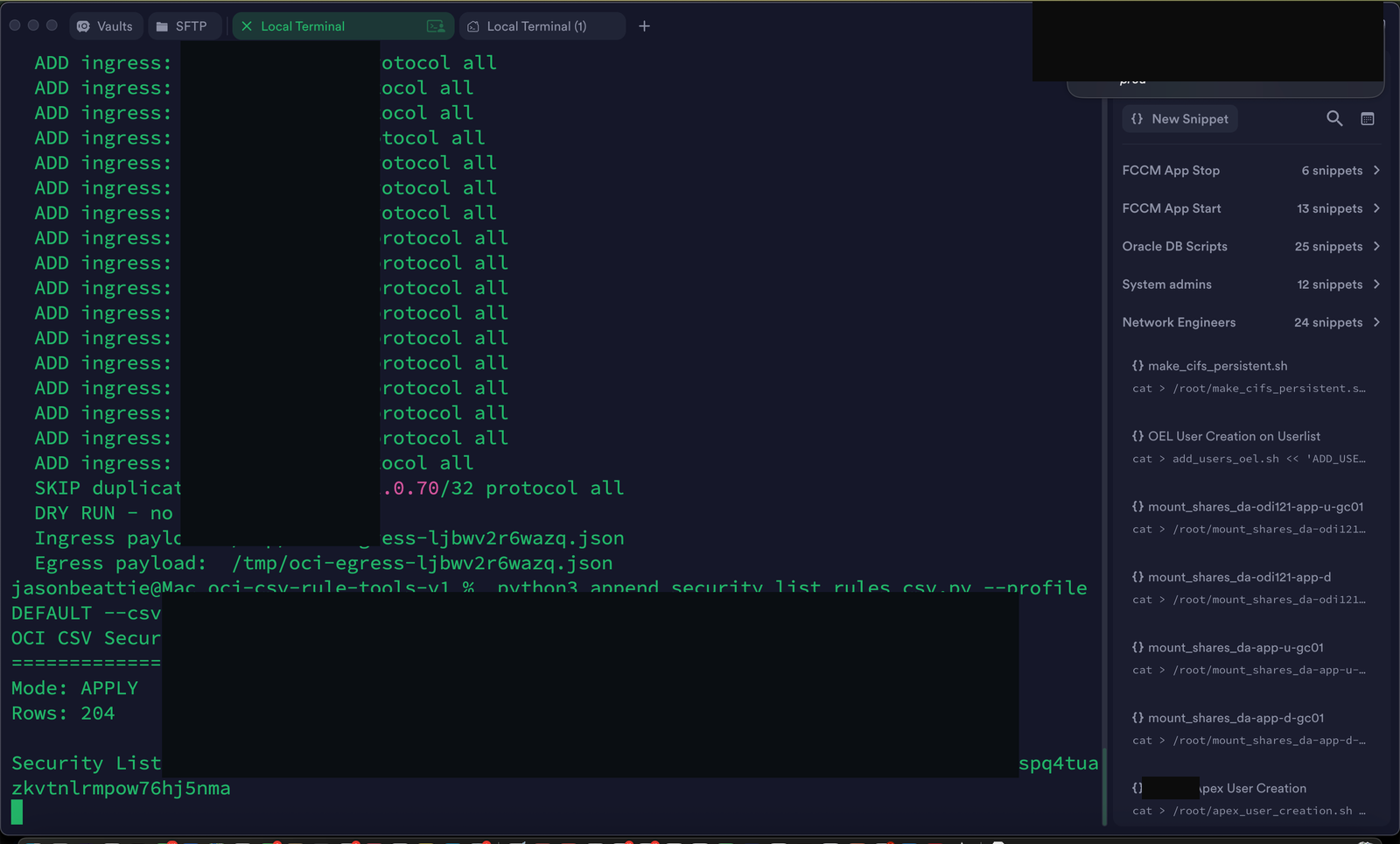
python3 append_security_list_rules_csv.py --profile DEMO --csv security_list_rules.csv --applyExpected confirmation includes Mode: APPLY and an UPDATED line for the security list that changed. Updates send the full ingress and egress rule arrays for that resource. Avoid concurrent Console or API edits on the same list, and check which resources were updated before retrying a partial batch.
4. Verify in OCI
- Re-read the security list in the Console or with the CLI and confirm the new rules.
- From a host in an associated subnet, test only the intended TCP path.
- Confirm duplicates remain skipped if you re-run the preview.
This script changes security lists. Network security groups (NSGs) are a separate OCI resource and are not updated here.
Summary
I prepared a narrow TCP CSV against one security list, previewed the combined ingress and egress payloads against a local backup, applied with --apply, and verified the list in OCI. Duplicate rows stay skipped. Download the demo from oci-csv-rule-tools-demo.zip.
Next: Batch-upload routes to an OCI VCN route table.
Keep filled CSVs, backups and payloads private. Use only the demo templates and redacted images in published material.