After security lists, I batch VCN route rules the same way: one CSV, one preview, then an explicit apply. This post uses the DRG next-hop helper append_route_table_rules_drg_csv.py from oci-drg-route-table-updater-demo.zip and the demo template drg_route_rules.csv.
This is Part 2 of 3. Previous: Batch-upload OCI security list rules from CSV. Next: Batch-upload hub-and-spoke routes using OCI LPGs.
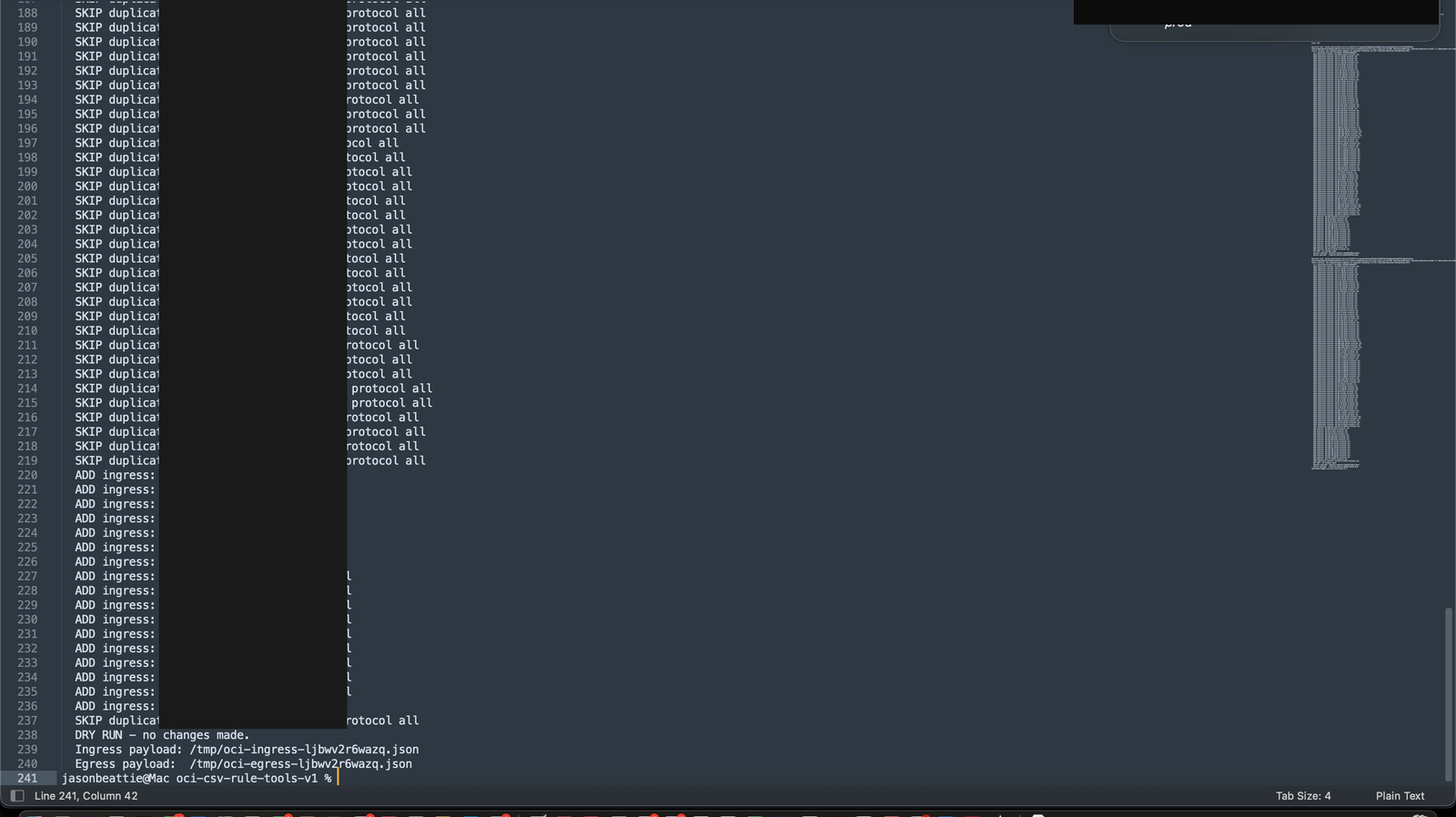
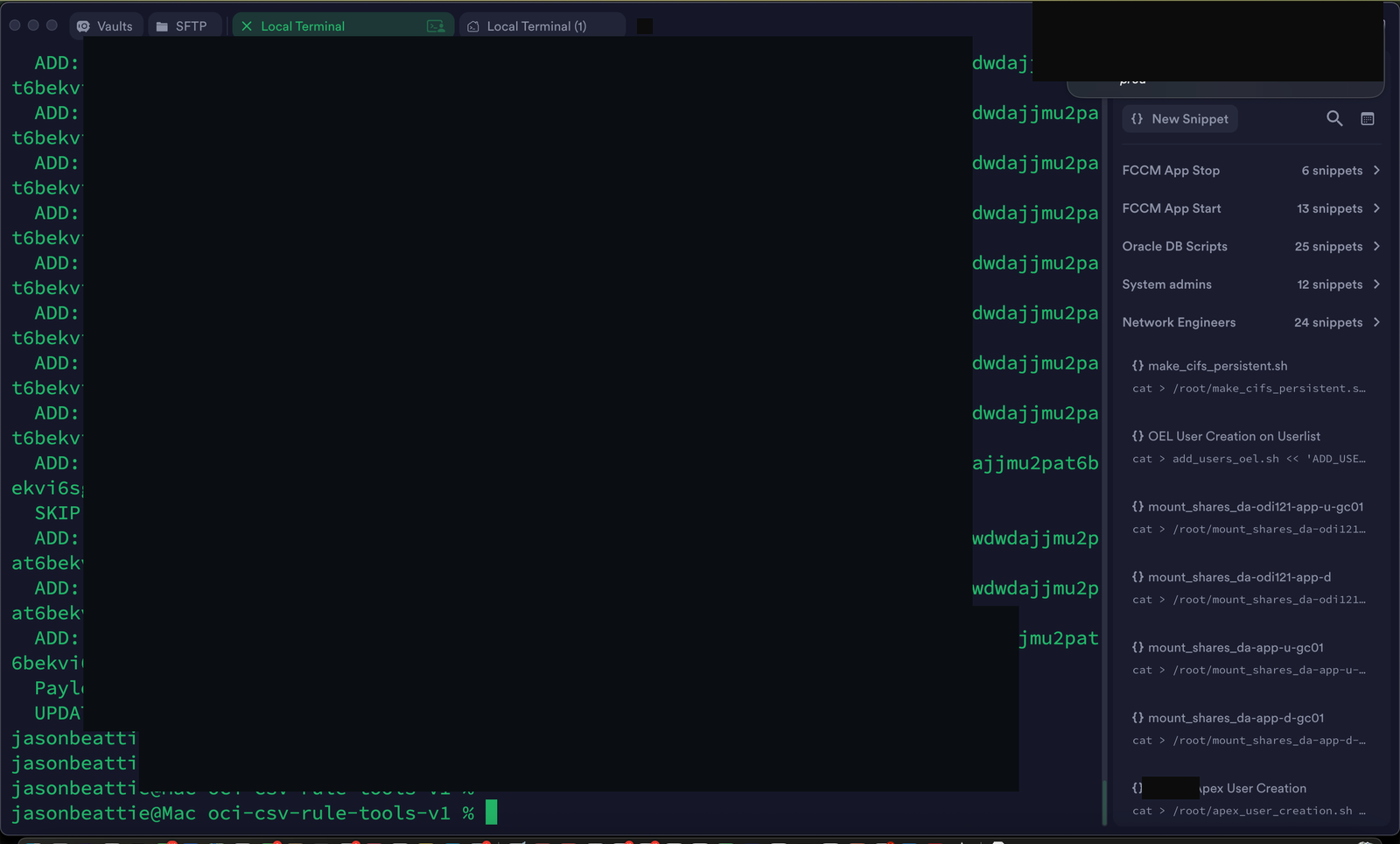
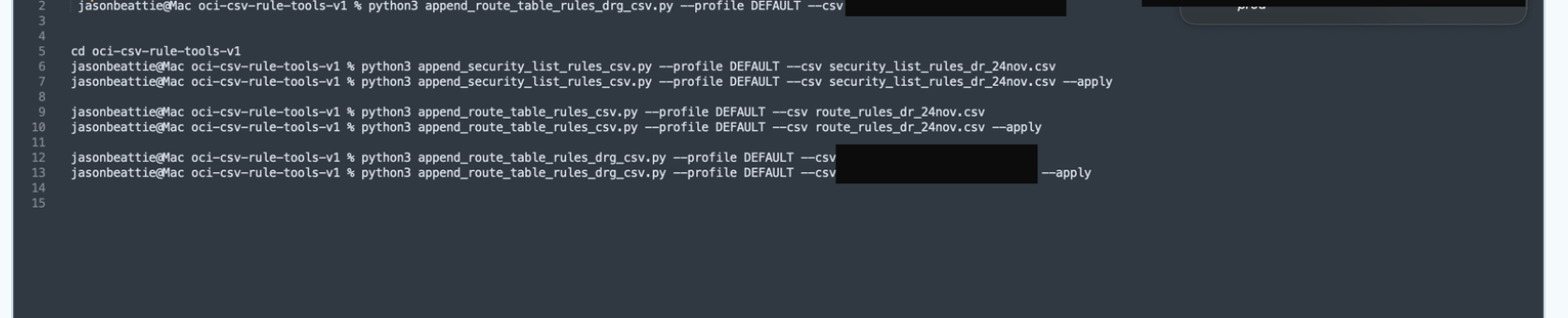
Screenshots below are from the original run on my Mac. IPs, descriptions, OCIDs and AP labels are redacted for publication. Desktop captures are cropped to Termius or Excel (Mac dock and background apps removed).
Prerequisites
- OCI CLI profile named
DEMOwith permission to read the subnet, VCN, DRG attachment and route table, and to update the route table - Python 3 with the OCI SDK
- The DRG demo ZIP unpacked
- A test subnet whose VCN is already attached to the target DRG
Destination CIDR, VCN route table and next hop
A VCN route rule says: for traffic whose destination matches this CIDR, send it to this next hop. In this post the next hop is a Dynamic Routing Gateway (DRG) OCID on the same VCN path. The script writes VCN route table rules that point to a DRG. The route table inside a DRG is a different resource and is managed separately.
Oracle documents the route table update call here: VCN route table update.
1. Find the route table for the test subnet
In the Console open the test subnet and note Route Table. Confirm that the parent VCN shows a DRG attachment to the DRG you intend to use as next hop. If the VCN is not attached to that DRG, stop and fix the attachment before adding routes.
2. Prepare the CSV
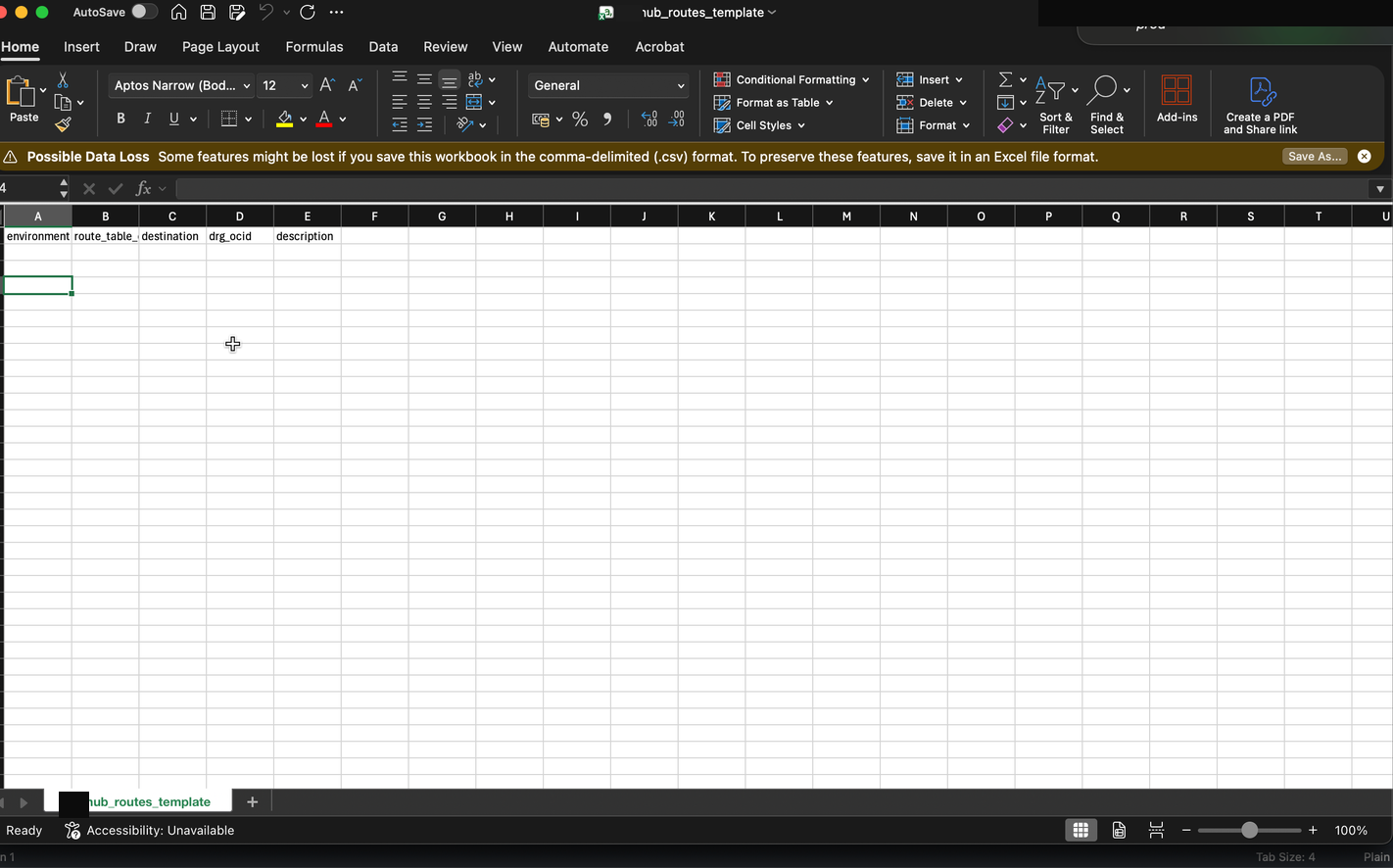
The demo header matches the redacted workbook header used in the original run:
environment,route_table_ocid,destination,drg_ocid,description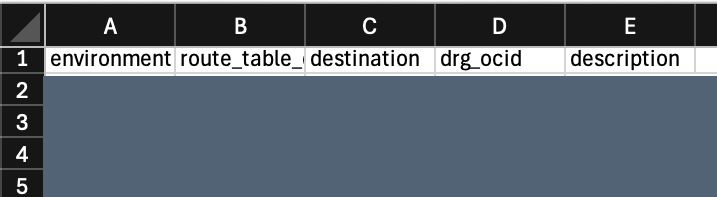
Redacted crop from the original run: CSV header prepared for DRG next-hop rows.
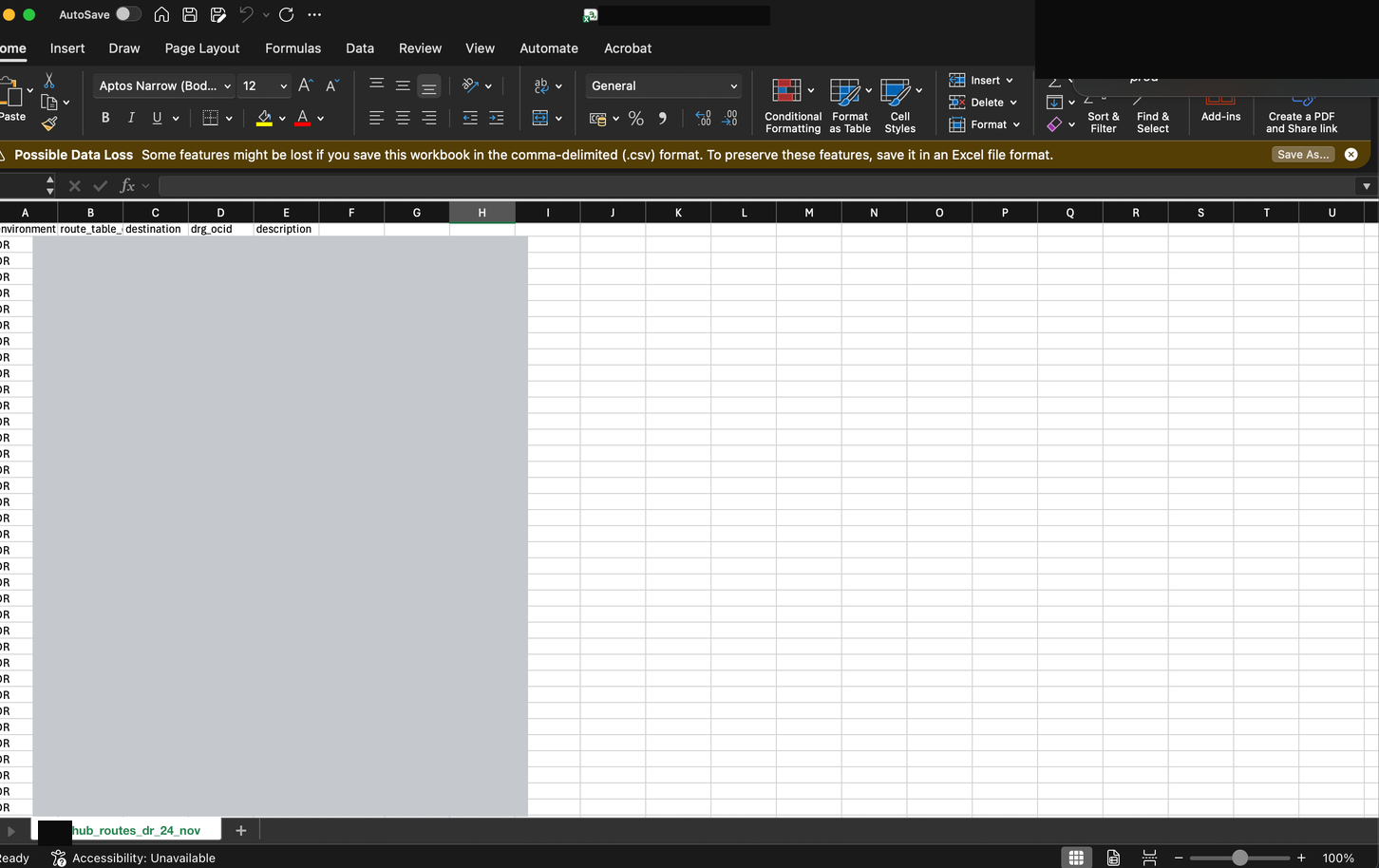
Example row with placeholders only, description left blank:
environment,route_table_ocid,destination,drg_ocid,description
DEMO,<ROUTE_TABLE_OCID>,<DESTINATION_CIDR>,<DRG_OCID>,
environment is informational. route_table_ocid is the VCN route table to update. destination is the CIDR to match. drg_ocid is the next hop.
3. Preview and inspect the combined route array
python3 append_route_table_rules_drg_csv.py --profile DEMO --csv drg_route_rules.csvExpected shape:
OCI CSV Route Table Rule Appender (DRG)
Mode: DRY RUN
Rows: 1
Route Table: <ROUTE_TABLE_OCID>
Backup written: backups/route_table_<suffix>.json
ADD route: <DESTINATION_CIDR> -> DRG
Payload written: /tmp/oci-route-<id>.json
DRY RUN - OCI not updated.
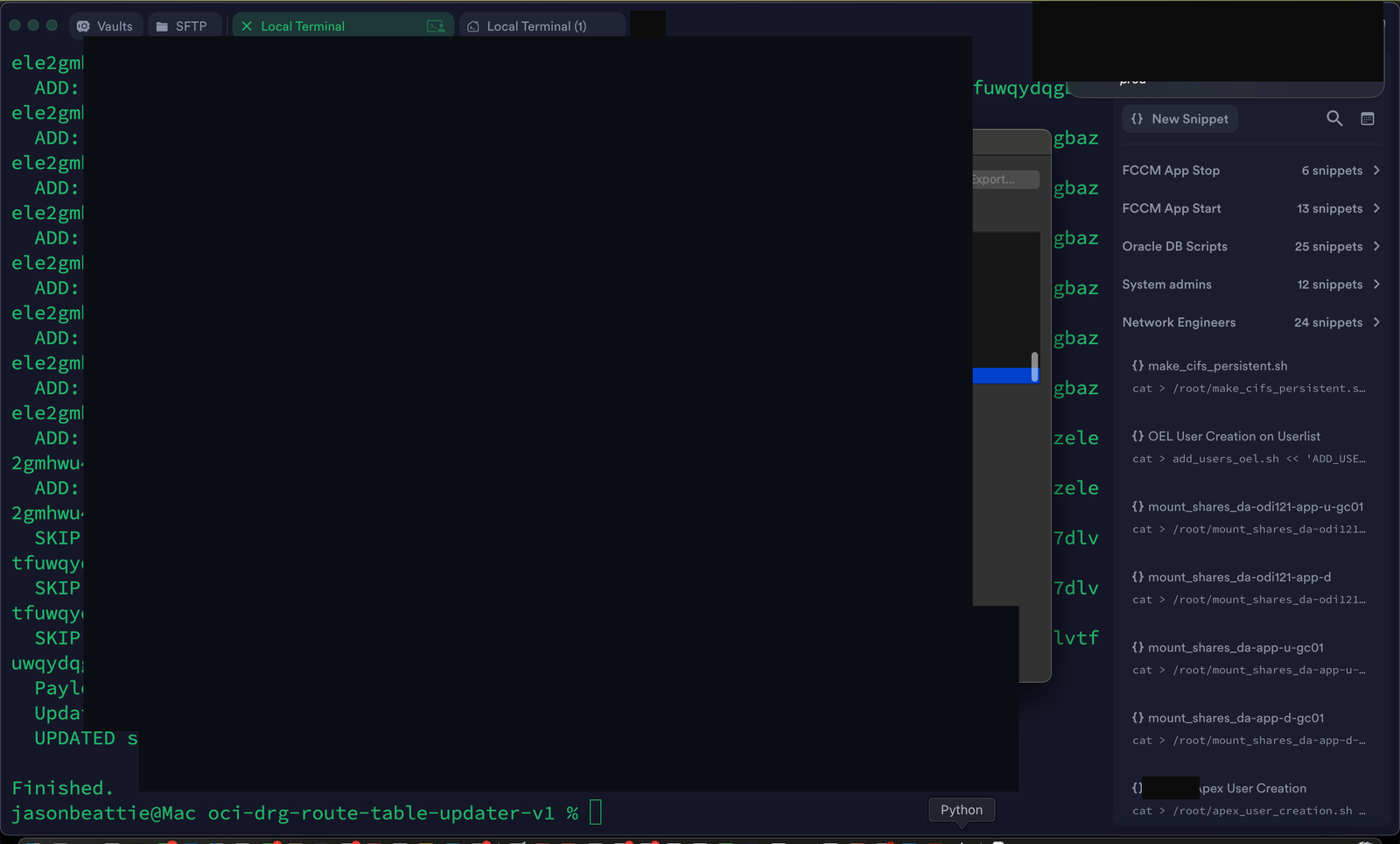
Redacted crop from the original run: dry-run preview for a DRG next-hop update.
Open the payload and the backup. The payload is the full route rule array that would be sent on update, not only the new rows. A dry run contacts OCI to read the route table and can write those local files. Only add --apply after that review.
4. Apply and read back
python3 append_route_table_rules_drg_csv.py --profile DEMO --csv drg_route_rules.csv --applyExpect Mode: APPLY and UPDATED for the route table. Then read the route table back in the Console or CLI and confirm the destination CIDR points at the DRG OCID.
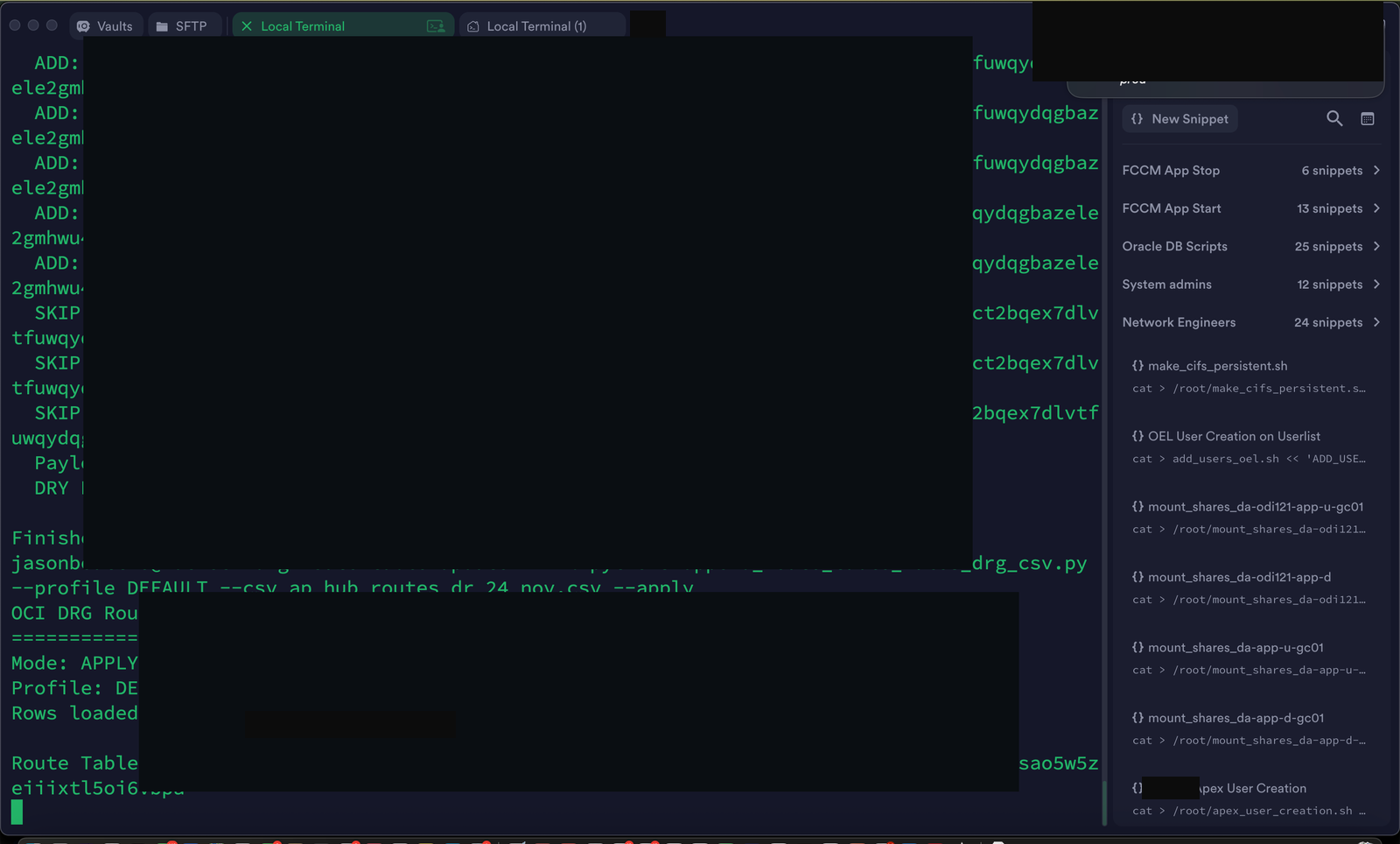
Because updates replace the full rule array for that resource, avoid concurrent edits and confirm which tables were updated before retrying a partial batch.
Summary
I located the subnet route table, confirmed the VCN-to-DRG attachment, prepared drg_route_rules.csv, previewed the combined route array, applied with --apply, and read the table back. The helper writes VCN routes to a DRG next hop only. Detailed Local Peering Gateway (LPG) routing is covered in Part 3.
Download: oci-drg-route-table-updater-demo.zip.
Previous: Part 1 - Security lists. Next: Part 3 - Hub-and-spoke LPG routes.
Keep filled CSVs, backups and payloads private.