For this migration, the source Autonomous Data Warehouse was in OCI Commercial Frankfurt (eu-frankfurt-1) and the target was in EU Sovereign Frankfurt (eu-frankfurt-2). Both are Frankfurt regions, but the two environments sit in separate OCI realms. I used a logical Data Pump migration of seven selected schemas and moved an encrypted dump through Object Storage in each tenancy.
Decide what the migration must carry
Start with a schema and application inventory. Scope this migration to the application schemas you need. Inventory anything your application needs outside those schemas, including cross-schema grants, Scheduler jobs, external tables, database links, credentials, APEX applications or ORDS configuration. Plan any separate export or reconfiguration those components need.
Run this on the source ADW as a database administrator:
SELECT username, account_status, oracle_maintained
FROM dba_users
ORDER BY username;

SELECT owner, segment_type,
       ROUND(SUM(bytes) / POWER(1024, 3), 3) AS allocated_gib
FROM dba_segments
WHERE owner IN ('APP_SCHEMA_1', 'APP_SCHEMA_2')
GROUP BY owner, segment_type
ORDER BY owner, allocated_gib DESC;
Replace the example owners with your migration list. In this case the seven selected schemas had about 7.18 GiB allocated. That included indexes and allocated segment space. It was a sizing input, rather than the expected dump size.
Record the source and target database versions and confirm Data Pump compatibility. Ensure the source account can export other owners and the target account can import them. Check target storage, schema quotas and naming collisions. On each worksheet, record the version and database name so the export and import sessions are easy to distinguish.
SELECT SYS_CONTEXT('USERENV', 'DB_NAME') AS database_name,
       SYS_CONTEXT('USERENV', 'SESSION_USER') AS connected_user
FROM dual;

SELECT banner_full
FROM v$version
WHERE banner_full LIKE 'Oracle%';
Pay particular attention to an existing target ADMIN account and any source objects owned by ADMIN. Review their DDL and decide whether to import them separately or remap them.
Prepare private Object Storage
| Location | Purpose | Access needed |
|---|---|---|
| Commercial source bucket | Receive the direct export and segments | Write from the source ADW, read from the transfer host |
| Approved transfer host | Retrieve and verify the assembled encrypted dump | Local disk space for the dump and access to both realm endpoints |
| Sovereign target bucket | Receive the portable dump | Upload access for the transfer host and read access for the target ADW |
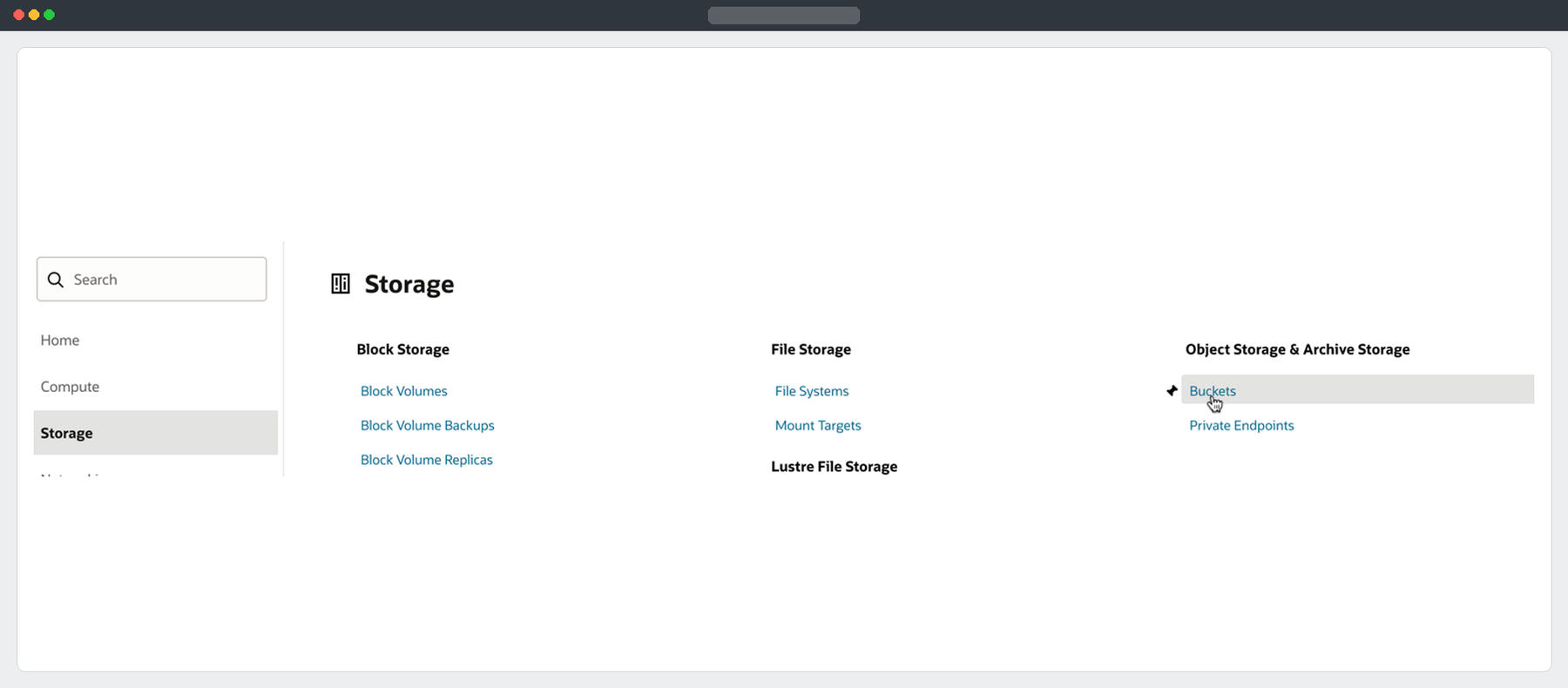
In each tenancy, open Storage → Object Storage & Archive Storage → Buckets. Create a private bucket in the required region and verify the approved data-transfer route.
Record each bucket’s region, namespace and exact Object Storage URI from the OCI Console. The hostnames differ between the realms. Use a short-lived, object-specific Object Write pre-authenticated request (PAR) if you need to upload without an OCI session in the target tenancy.
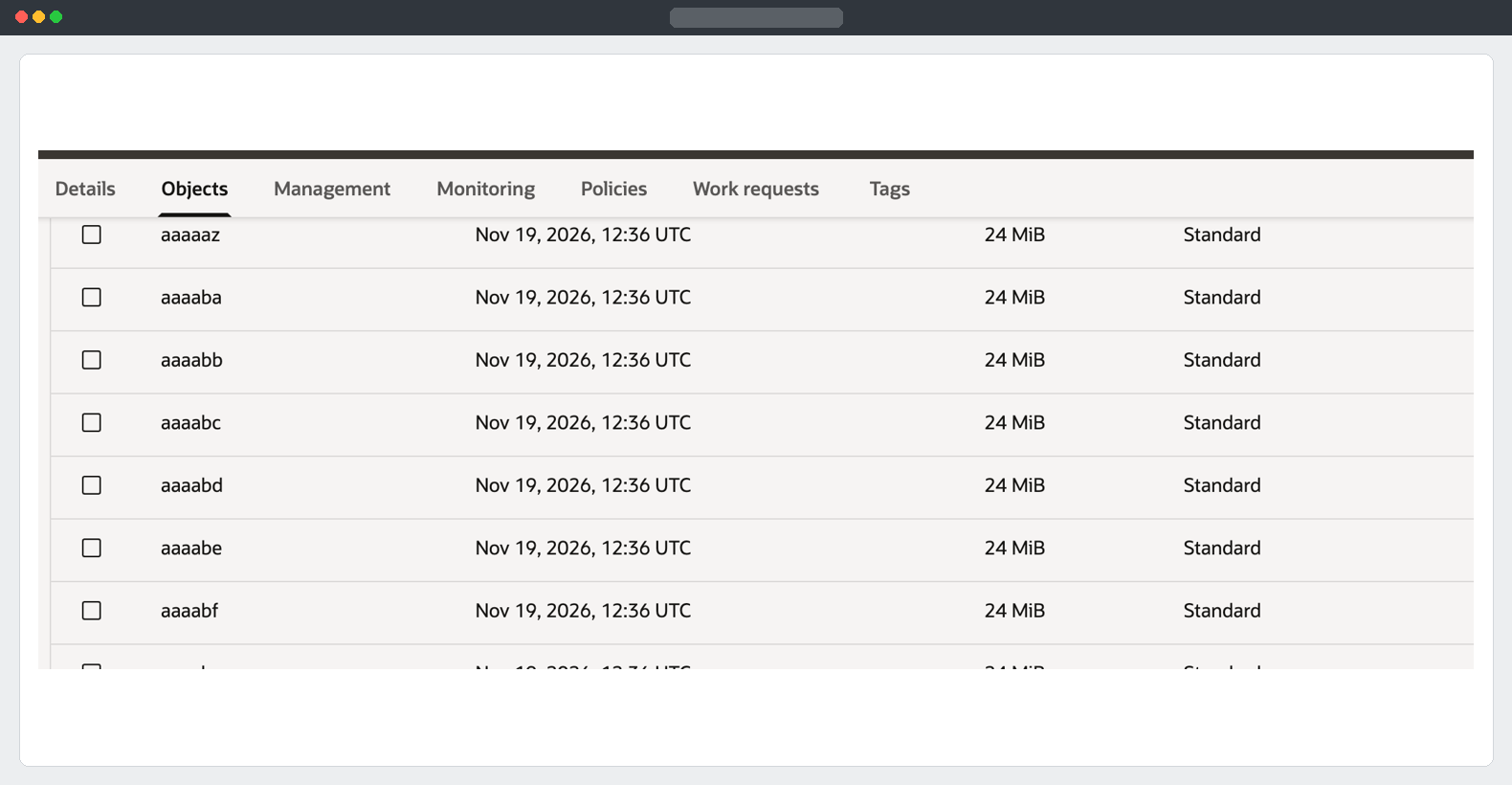
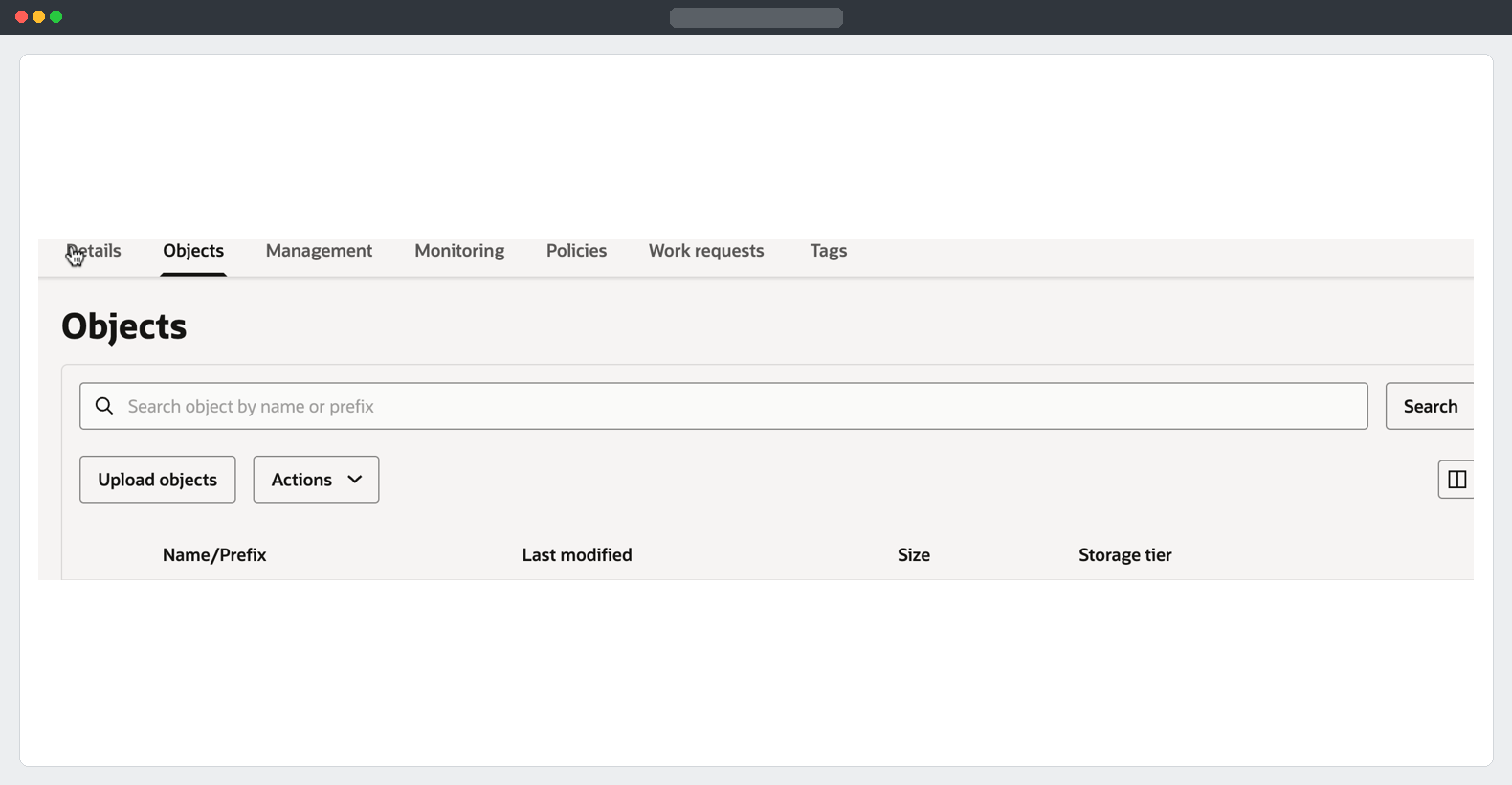
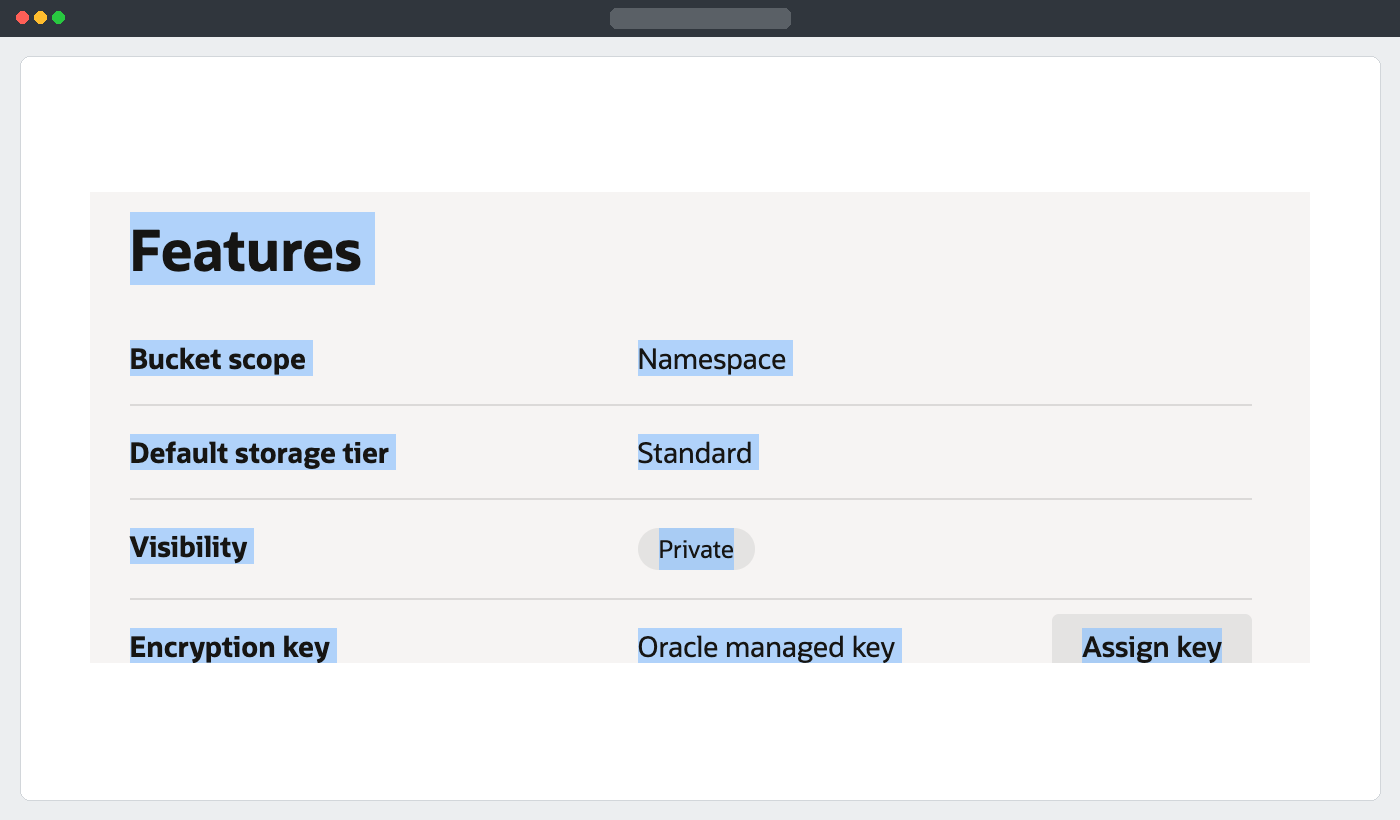
Details → Features is where I checked that the source bucket was private and used the Standard storage tier.
Three passwords or tokens have different roles:
- The database login opens the SQL worksheet or authenticates a Data Pump client.
- An OCI Auth Token authenticates an IAM user to Object Storage when using token-based access. The username may need an identity-domain prefix. Use the actual profile and service-specific format.
- The dump encryption password encrypts the export. Enter the same value during import. Store it in your approved secret store.
Test the source ADW’s write path
In Database Actions on the source, run this as your export user. Replace all example values before running. Use a fresh harmless test object name.
BEGIN
  DBMS_CLOUD.CREATE_CREDENTIAL(
    credential_name => 'ADW_EXPORT_OBJSTORE',
    username        => 'SOURCE_OCI_USERNAME',
    password        => 'SOURCE_OCI_AUTH_TOKEN'
  );

  DBMS_CLOUD.PUT_OBJECT(
    credential_name => 'ADW_EXPORT_OBJSTORE',
    object_uri      => 'SOURCE_BUCKET_OBJECT_URI/adw-export-write-check.txt',
    contents        => TO_BLOB(UTL_RAW.CAST_TO_RAW('ADW export write check'))
  );
END;
/
SOURCE_BUCKET_OBJECT_URI is the native bucket URL up to and including /o, without a trailing slash. Confirm the test object appears in the source bucket. Keep tokens out of worksheet exports, screenshots and blog posts.
Summary
I identified the realms and migration scope, sized the source schemas, prepared private Object Storage and verified the source ADW could write to its bucket. The export can now use that credential without staging the full dump in the database.
Part 2 - Export to source Object Storage
Oracle documentation: EU Sovereign Cloud · DBMS_CLOUD credentials and Object Storage operations