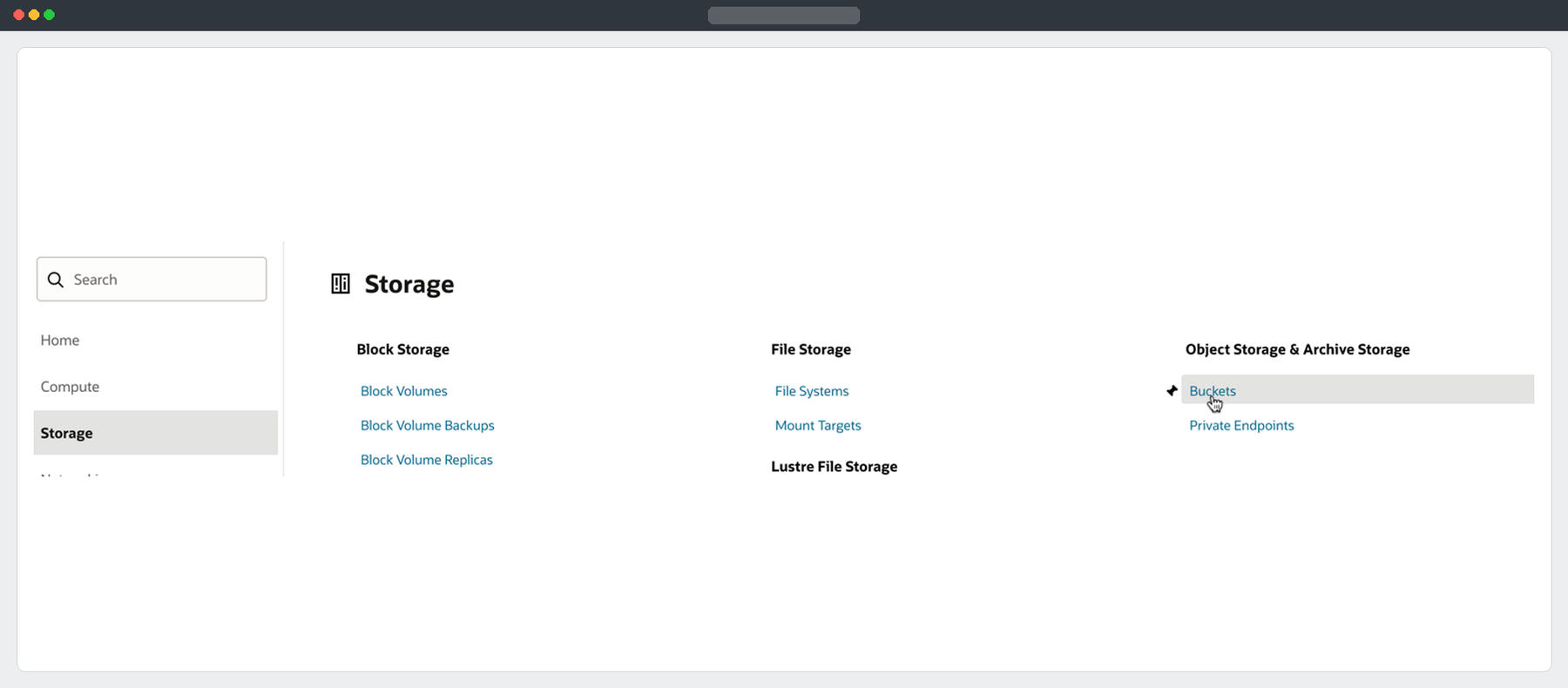
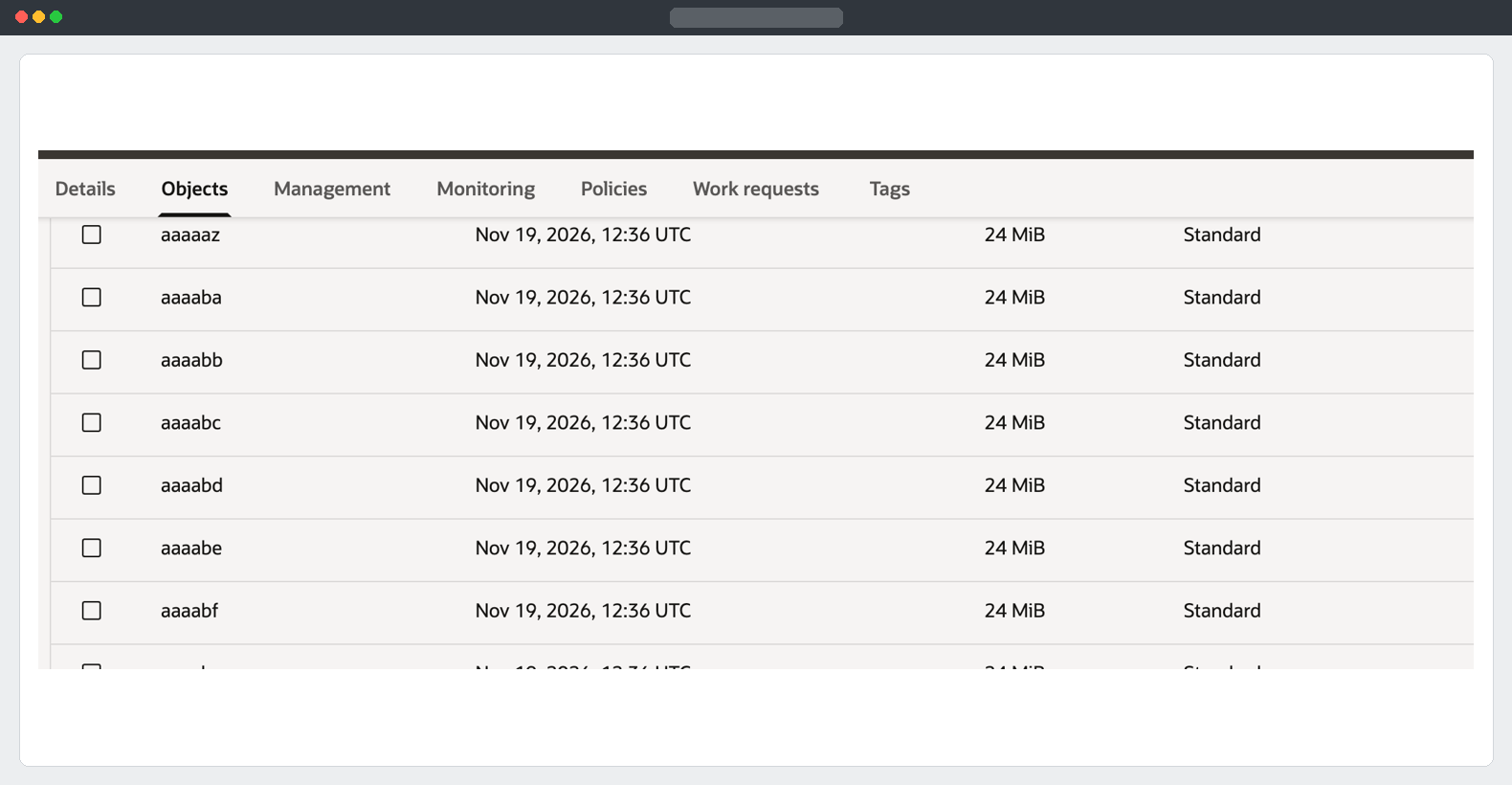
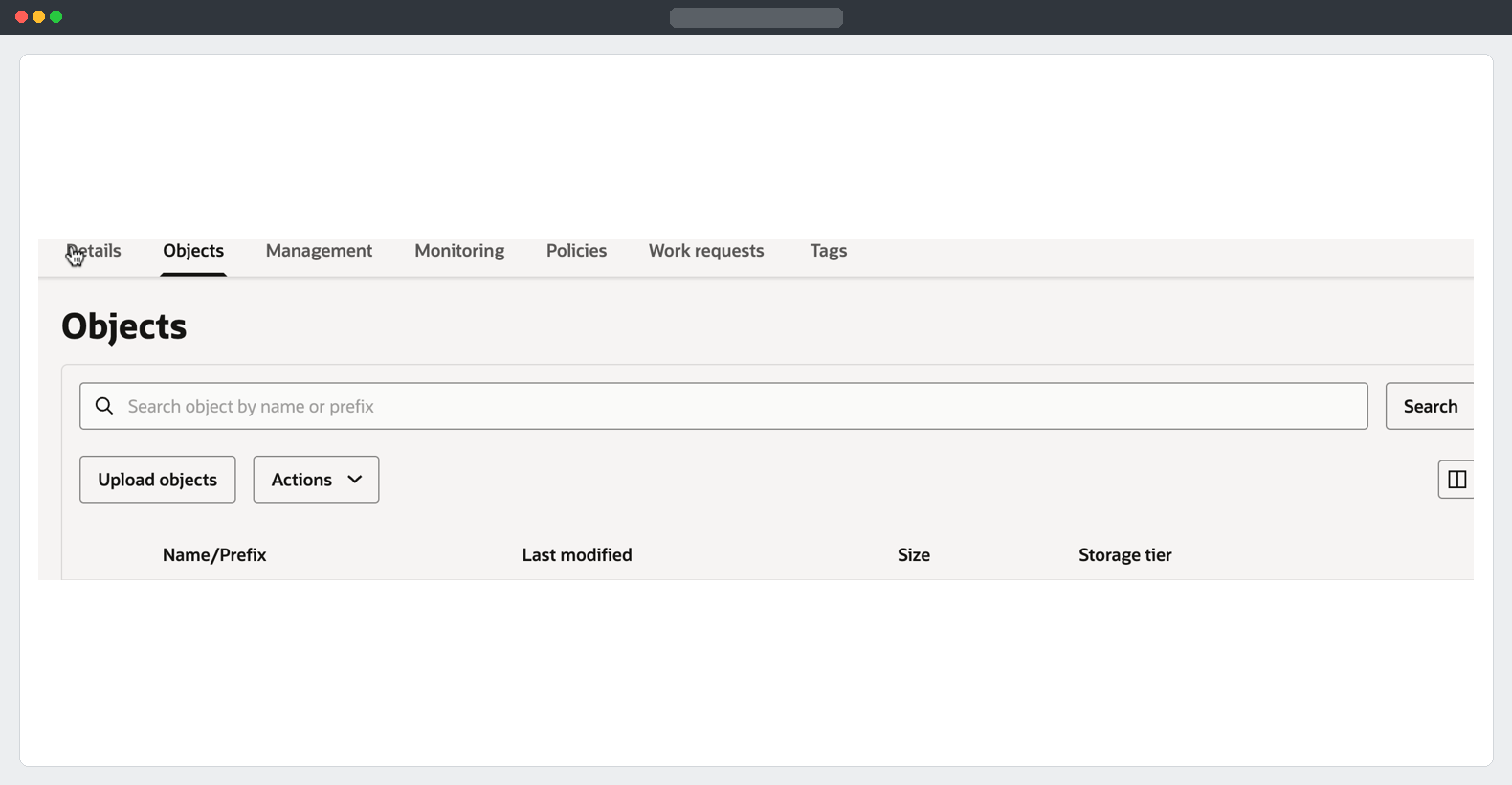
The target bucket now contains the assembled dump. I connected to the Sovereign ADW and started Data Pump Import against that object directly. The database writes its import log to DATA_PUMP_DIR, while it reads the dump from Object Storage.
Confirm that the worksheet is connected to the target
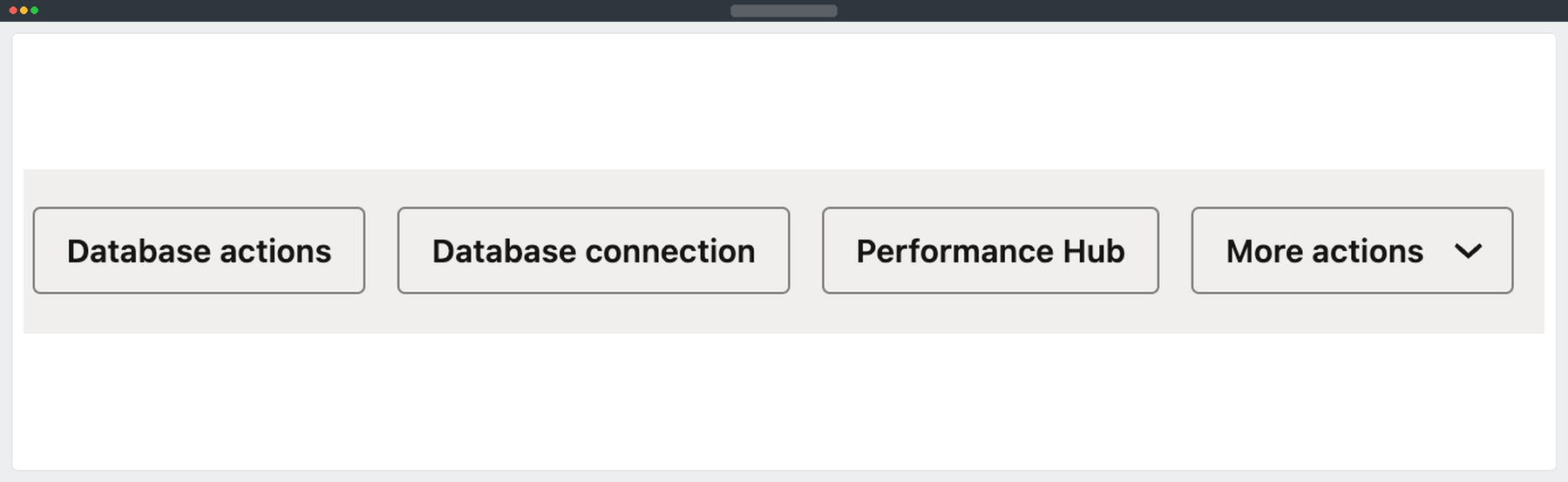
Open the Database Actions page from the target database’s OCI details and launch the SQL worksheet.
SELECT USER AS connected_user,
       SYS_CONTEXT('USERENV', 'DB_NAME') AS database_name
FROM dual;
Confirm the database is the Sovereign target. Verify the dump’s object name and size in the target bucket. For a new migration, review the import DDL or test it in a disposable database first, especially if the dump includes ADMIN, shared grants or objects that already exist on the target.
Import from Object Storage
Create the target credential using a read-authorised target tenancy IAM user and its Auth Token. Replace the sample values in your own worksheet.
BEGIN
  DBMS_CLOUD.CREATE_CREDENTIAL(
    credential_name => 'ADW_IMPORT_OBJSTORE',
    username        => 'TARGET_OCI_USERNAME',
    password        => 'TARGET_OCI_AUTH_TOKEN'
  );
END;
/
Replace TARGET_BUCKET_OBJECT_URI with the native target bucket URI through /o. Replace the NULL on the password declaration with the original dump encryption password in single quotes. Run the complete block from DECLARE through the final slash.
DECLARE
  l_job NUMBER;
  l_password CONSTANT VARCHAR2(128) := NULL;
  l_dump_uri CONSTANT VARCHAR2(1024) :=
    'TARGET_BUCKET_OBJECT_URI/adw_schema_export_02.dmp';
BEGIN
  IF l_password IS NULL THEN
    RAISE_APPLICATION_ERROR(-20001, 'Set the original dump encryption password.');
  END IF;

  l_job := DBMS_DATAPUMP.OPEN(
    operation => 'IMPORT',
    job_mode  => 'SCHEMA',
    job_name  => 'ADW_SCHEMA_IMPORT_01'
  );
  DBMS_DATAPUMP.ADD_FILE(
    l_job, l_dump_uri, 'ADW_IMPORT_OBJSTORE',
    filetype => DBMS_DATAPUMP.KU$_FILE_TYPE_URIDUMP_FILE
  );
  DBMS_DATAPUMP.ADD_FILE(
    l_job, 'adw_schema_import_01.log', 'DATA_PUMP_DIR',
    filetype => DBMS_DATAPUMP.KU$_FILE_TYPE_LOG_FILE
  );
  DBMS_DATAPUMP.SET_PARAMETER(l_job, 'ENCRYPTION_PASSWORD', l_password);
  DBMS_DATAPUMP.SET_PARAMETER(l_job, 'TABLE_EXISTS_ACTION', 'SKIP');
  DBMS_DATAPUMP.METADATA_TRANSFORM(l_job, 'SEGMENT_ATTRIBUTES', 0);
  DBMS_DATAPUMP.START_JOB(l_job);
  DBMS_DATAPUMP.DETACH(l_job);
END;
/
This imports the schemas contained in the dump. SKIP preserves existing tables and skips loading them. Other metadata such as grants can still be applied. Removing segment attributes allows the target to use its own storage defaults.
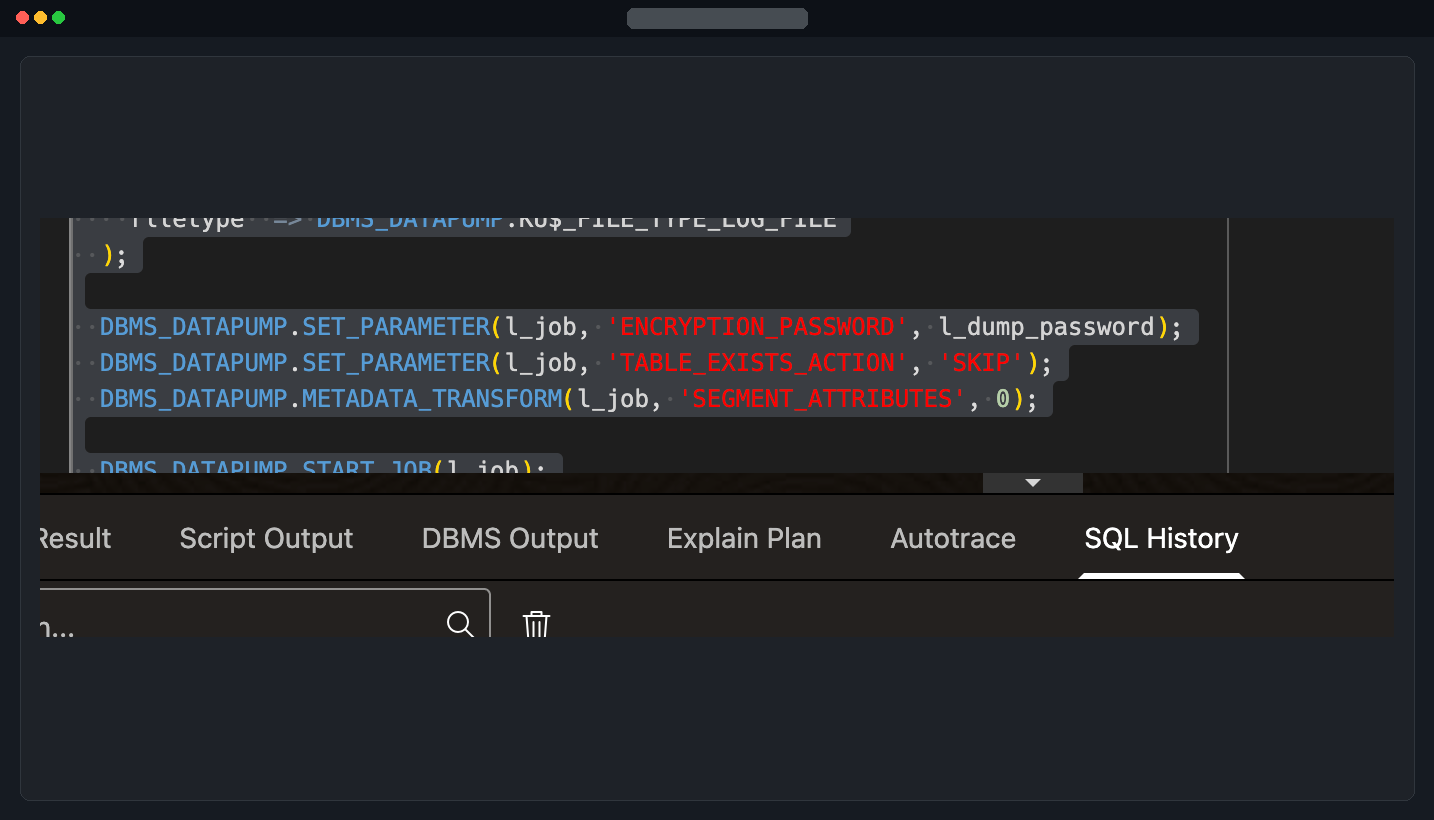
After the block returns successfully, the import job is running in the background.
Verify the load
SELECT job_name, state, attached_sessions
FROM user_datapump_jobs
WHERE job_name = 'ADW_SCHEMA_IMPORT_01';
Use the log-reader block in Part 2, with adw_schema_import_01.log on the target database. Review the job’s completion line and the reported table loads or skips. When the job leaves the view after completion, the log is the record of how it finished.
Run the following on each ADW and compare source and target counts. Substitute the actual schema owner for APP_SCHEMA_1.
SELECT 'TF_ASK' AS table_name, COUNT(*) AS row_count
FROM APP_SCHEMA_1.TF_ASK
UNION ALL
SELECT 'TF_CRITERION', COUNT(*)
FROM APP_SCHEMA_1.TF_CRITERION
UNION ALL
SELECT 'TF_CRITERION_ATOM', COUNT(*)
FROM APP_SCHEMA_1.TF_CRITERION_ATOM;

SELECT owner, object_type, status, COUNT(*) AS object_count
FROM dba_objects
WHERE owner IN ('APP_SCHEMA_1', 'APP_SCHEMA_2')
GROUP BY owner, object_type, status
ORDER BY owner, object_type, status;
Compare all in-scope owners and critical tables, allowing for source changes since the export snapshot. Resolve unexplained differences, invalid objects and application dependency issues before cutover.
Summary
I opened the target ADW, gave it read access to the Sovereign bucket, submitted the encrypted schema import, and confirmed the application tables in the target Navigator. Reconcile the import log, object inventory and key row counts before cutover.
Part 1 - Prerequisites · Part 3 - Transfer the dump
Oracle documentation: Use Data Pump from PL/SQL · Import with Oracle Data Pump