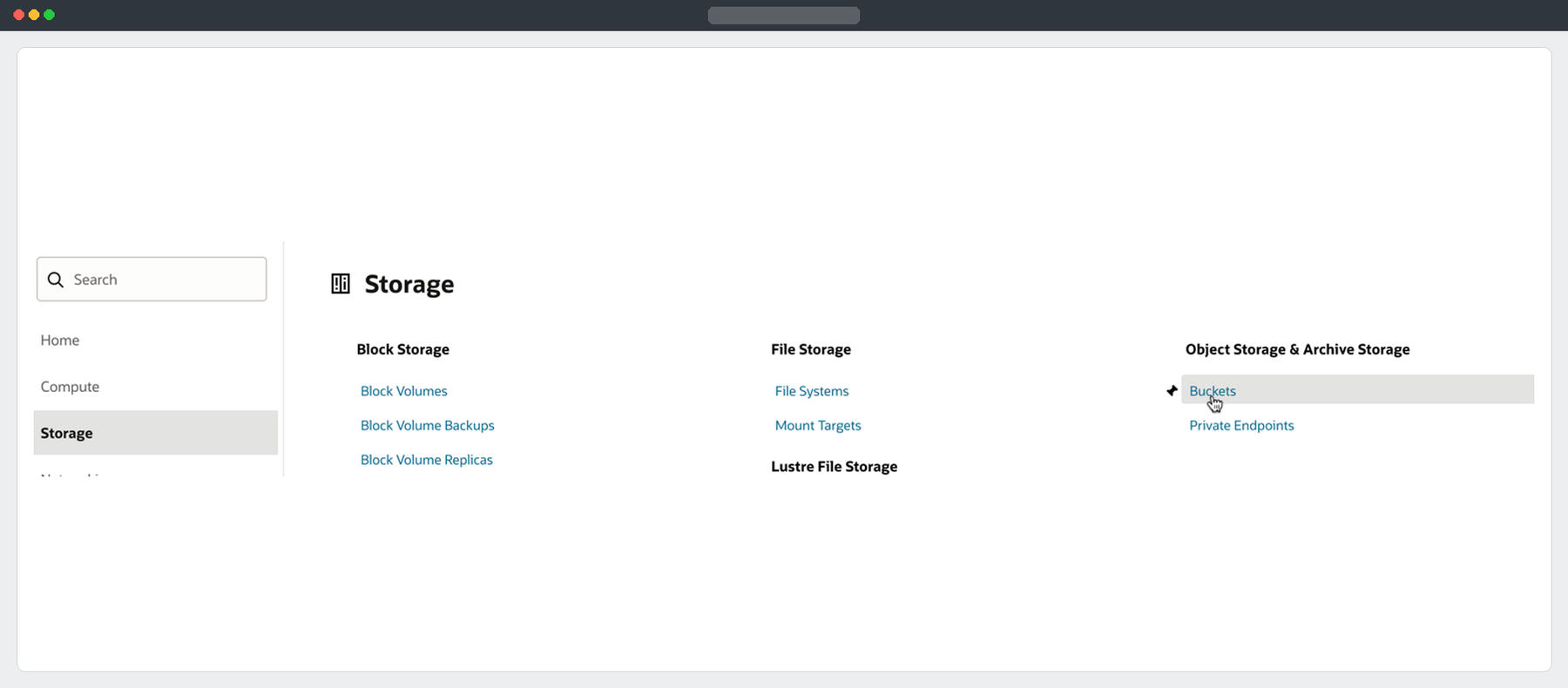
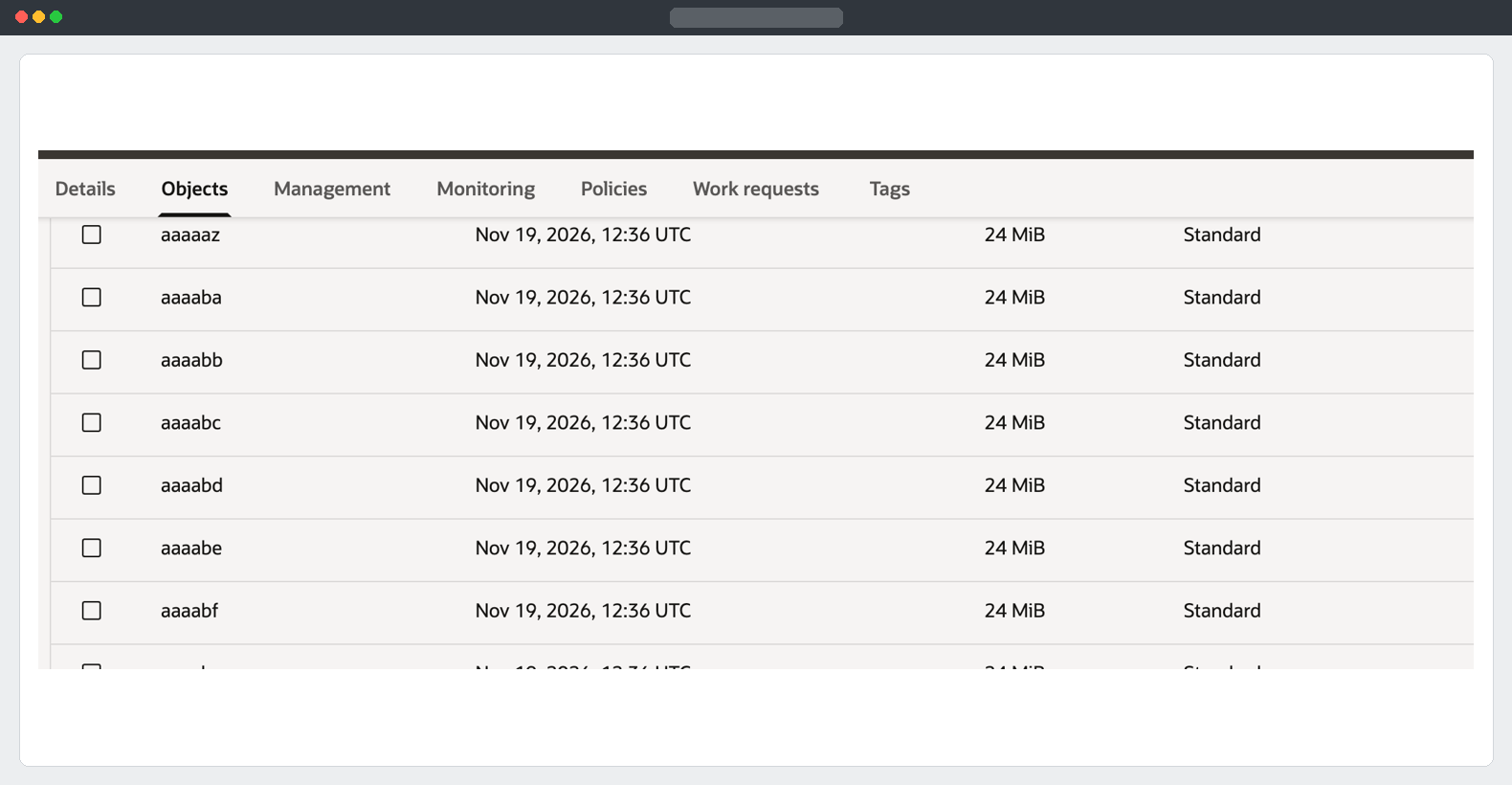
A direct Data Pump export gave me one logical dump part. In the source bucket, the corresponding object showed 0 bytes, alongside a separate segment prefix. The data was in those segments. A normal download from the OCI Console would have retrieved just the empty marker.
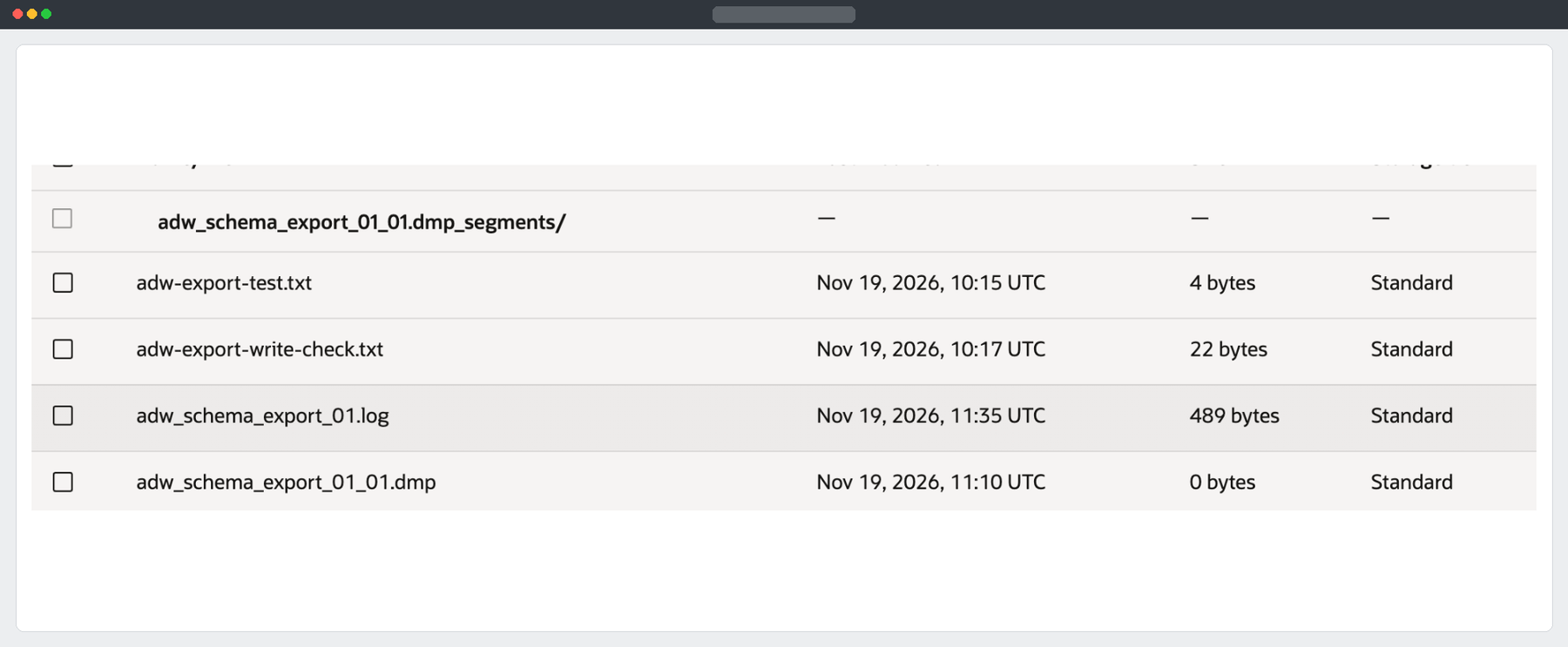
Download the complete dump from the source bucket
Oracle documents downloading the logical dump through the Swift endpoint. Swift assembles the segments server-side, which gives you one ordinary local file. Keep the marker and all its segments intact.
Run this on the approved transfer host. The example uses macOS for the file-size and checksum commands. Replace the IAM username, the source namespace and the source bucket. When curl asks for the host password, enter the source OCI IAM user’s Auth Token. Use a domain-qualified username if required by your identity configuration.
curl -q --fail --show-error --progress-bar \
  --connect-timeout 15 \
  --user 'SOURCE_OCI_USERNAME' \
  --output adw_schema_export_02.dmp.partial \
  'https://swiftobjectstorage.eu-frankfurt-1.oraclecloud.com/v1/SOURCE_NAMESPACE/SOURCE_BUCKET/adw_schema_export_02.dmp' &&
test -s adw_schema_export_02.dmp.partial &&
mv -i adw_schema_export_02.dmp.partial adw_schema_export_02.dmp

stat -f '%z bytes' adw_schema_export_02.dmp
shasum -a 256 adw_schema_export_02.dmp
In this migration, the assembled dump was 2,973,315,072 bytes.
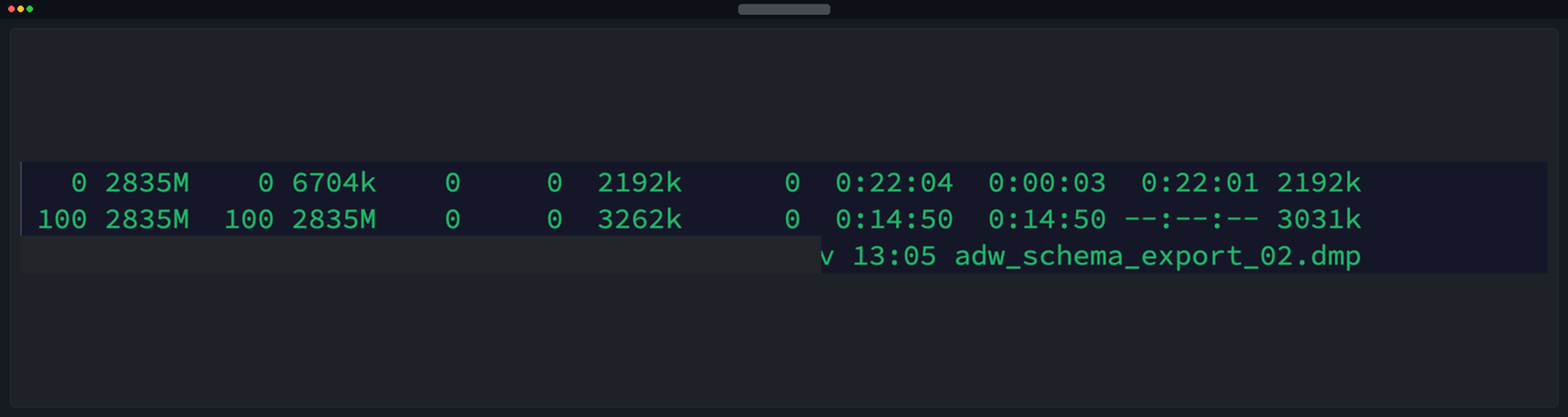
Keep your actual byte count and SHA-256 for verification. The dump encryption password is used later by Data Pump.
Upload the assembled file
If you want a portable copy in the source bucket, upload it there as a separate object such as adw_schema_export_02_assembled.dmp. Use the Console or a source Object Write PAR for that name. Keep the original zero-byte marker and its segments available. For the migration itself, upload the assembled file to the target Sovereign bucket with the final name adw_schema_export_02.dmp. You can upload straight to the target without making the extra source copy.
In the target Console, create a short-lived Object Write PAR for the exact filename. If you use a bucket-level write PAR, append the filename to the URL ending in /o/. Copy the generated URL unchanged apart from the filename, including its realm-specific hostname.
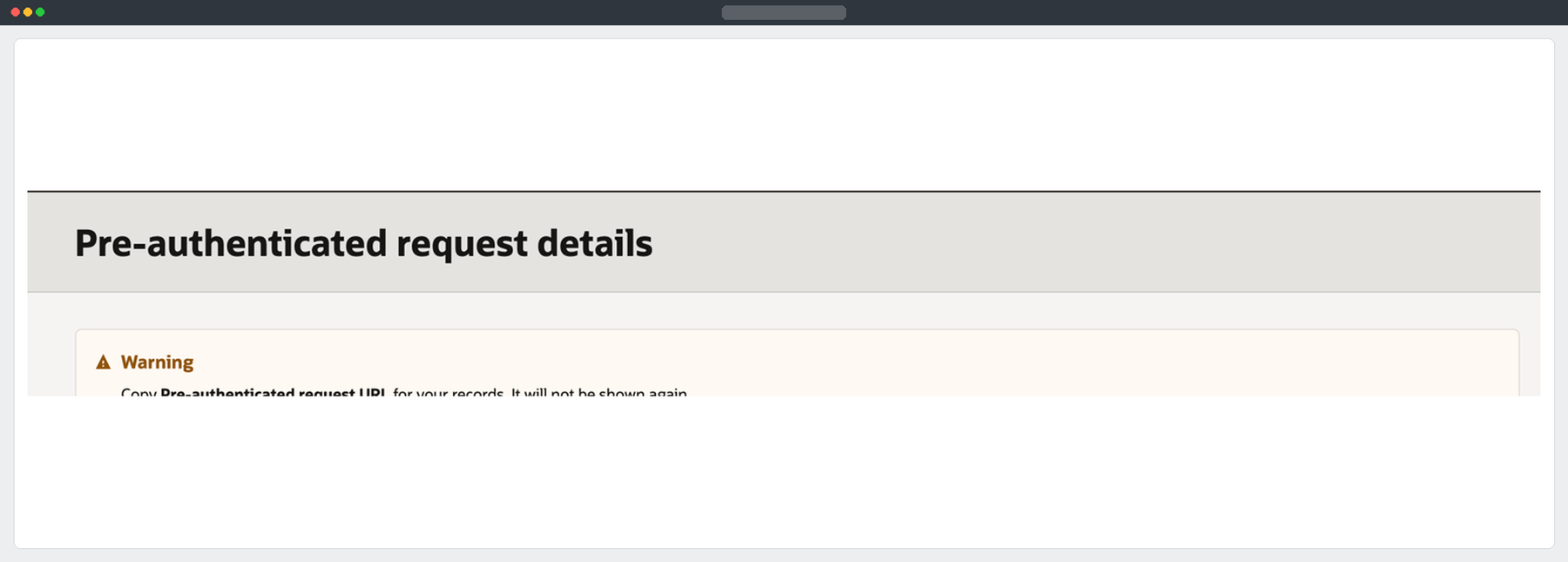
The example runs in Bash. Paste your PAR only into the hidden prompt on the transfer host. Upload the regular file from disk with --upload-file so curl sends a fixed-length body.
(
  dump="./adw_schema_export_02.dmp"
  test -s "$dump" || { echo 'Missing or empty dump'; exit 1; }
  printf 'Paste the full object write PAR URL and press Enter: '
  IFS= read -rs par_url || exit 1
  printf '\n'
  case "$par_url" in
    https://*/o/) par_url="${par_url}${dump##*/}" ;;
    https://*/o/adw_schema_export_02.dmp) ;;
    *) echo 'Expected a write PAR for adw_schema_export_02.dmp'; exit 1 ;;
  esac
  curl -q --fail-with-body --show-error --progress-bar \
    --connect-timeout 15 --speed-limit 1024 --speed-time 60 \
    --upload-file "$dump" \
    --write-out '\nHTTP %{http_code} | Sent %{size_upload} bytes\n' \
    "$par_url" &&
  stat -f 'Local file: %z bytes' "$dump"
)
A successful HTTP response and matching byte counts show the object reached the bucket. Confirm the exact name and size in target Object Details. For end-to-end integrity, download the target object through an authorised read path and compare its SHA-256 with the local file. Revoke the temporary PAR after the transfer.
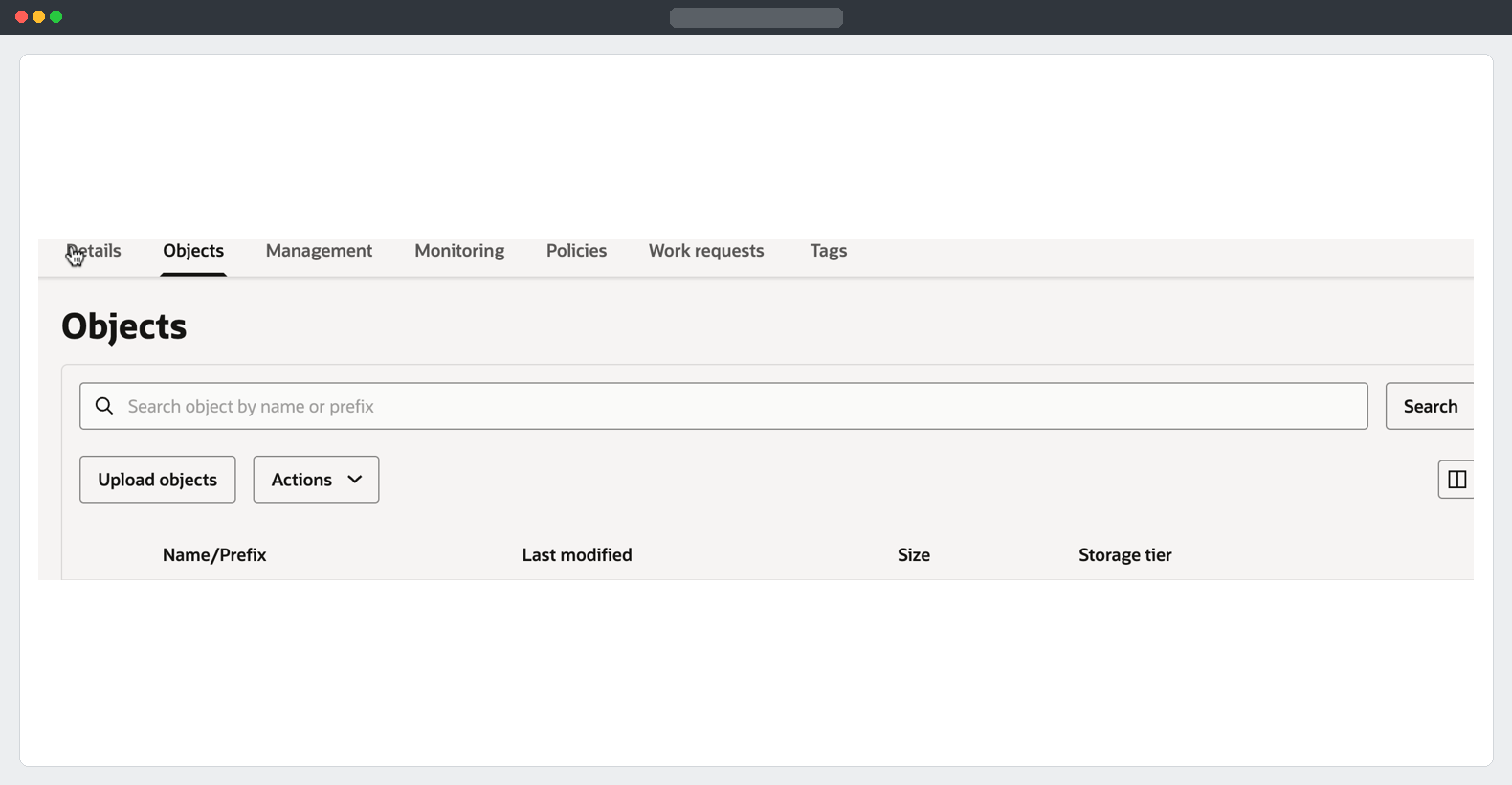
The Console can also upload the file from the transfer host if your target IAM account has write access.
Summary
I used Swift to reassemble the source object, recorded the local file size, and transferred a single portable dump to the Sovereign bucket for import.
Part 2 - Export · Part 4 - Import into the target ADW
Oracle documentation: Download Data Pump dump files · Upload using a pre-authenticated request